Schedule Instagram posts, Reels and Stories
Instagram without the daily scramble.
Plan a month of posts, Reels and Stories in one sitting, answer every comment and DM from one inbox, and see which formats actually grow your account.
Start free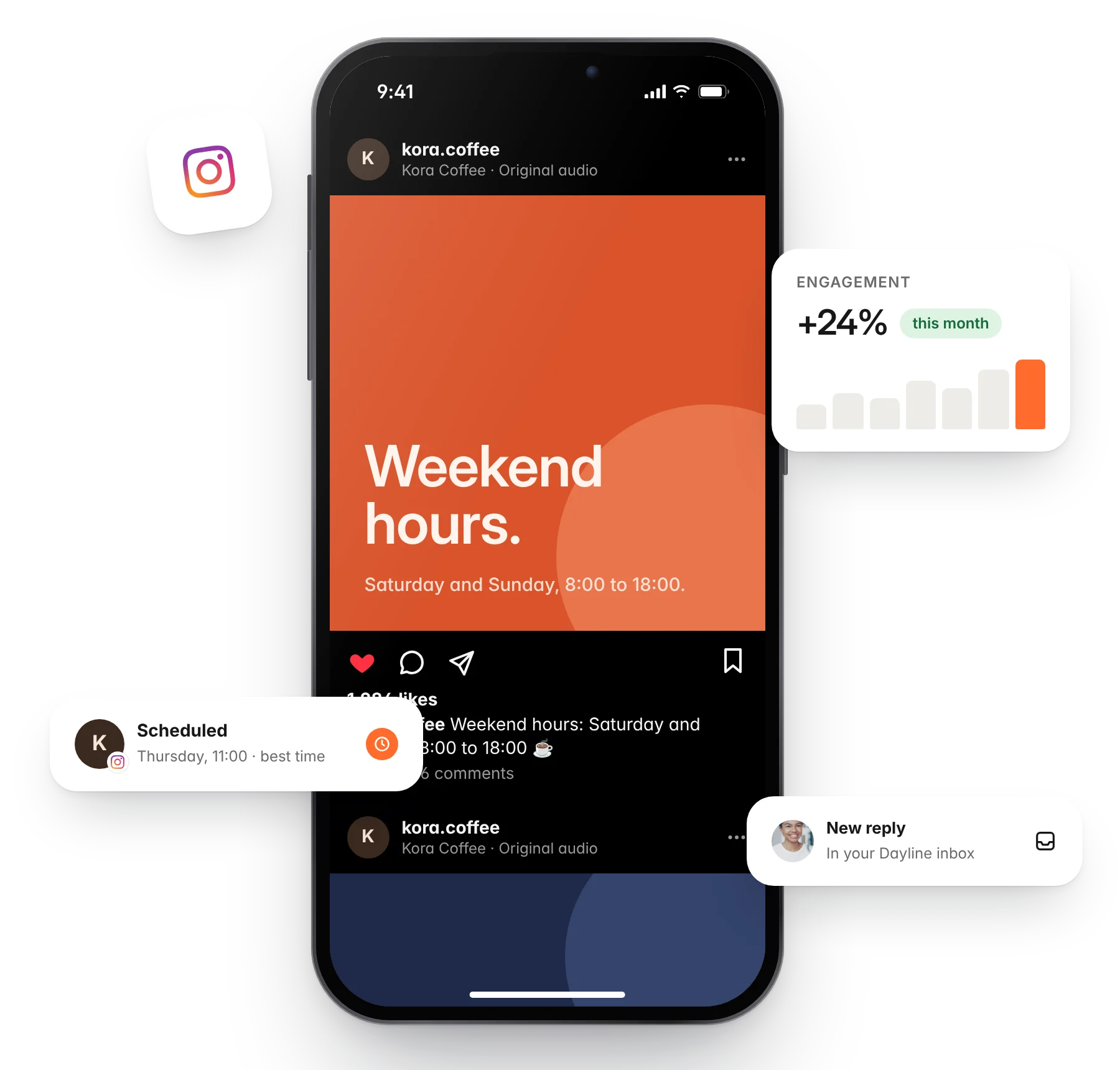
Benefits
Schedule everything
Set posts, carousels, Reels and Stories to publish automatically at the times you choose, from the same calendar as every other channel.
Learn what actually works
Engagement is imported into Insights so you can see which posts got replies and when your audience is around.
Save and shape ideas
Capture ideas in one board, turn them into drafts, and let the AI assistant write a first version in your voice.
Reply from one inbox
Comments, replies and messages from Instagram arrive next to every other channel.
One tool, the whole job.
Dayline's tools for Instagram go further than scheduling. Here is how the rest of the workspace makes running Instagram simpler.
Schedule
Prep today, post whenever.
Write once, adapt the caption for Instagram, add media, and schedule. Dayline checks Instagram's limits before the post goes out, so it is not refused at the last minute. Put the link in the first comment and keep the caption clean.
Start free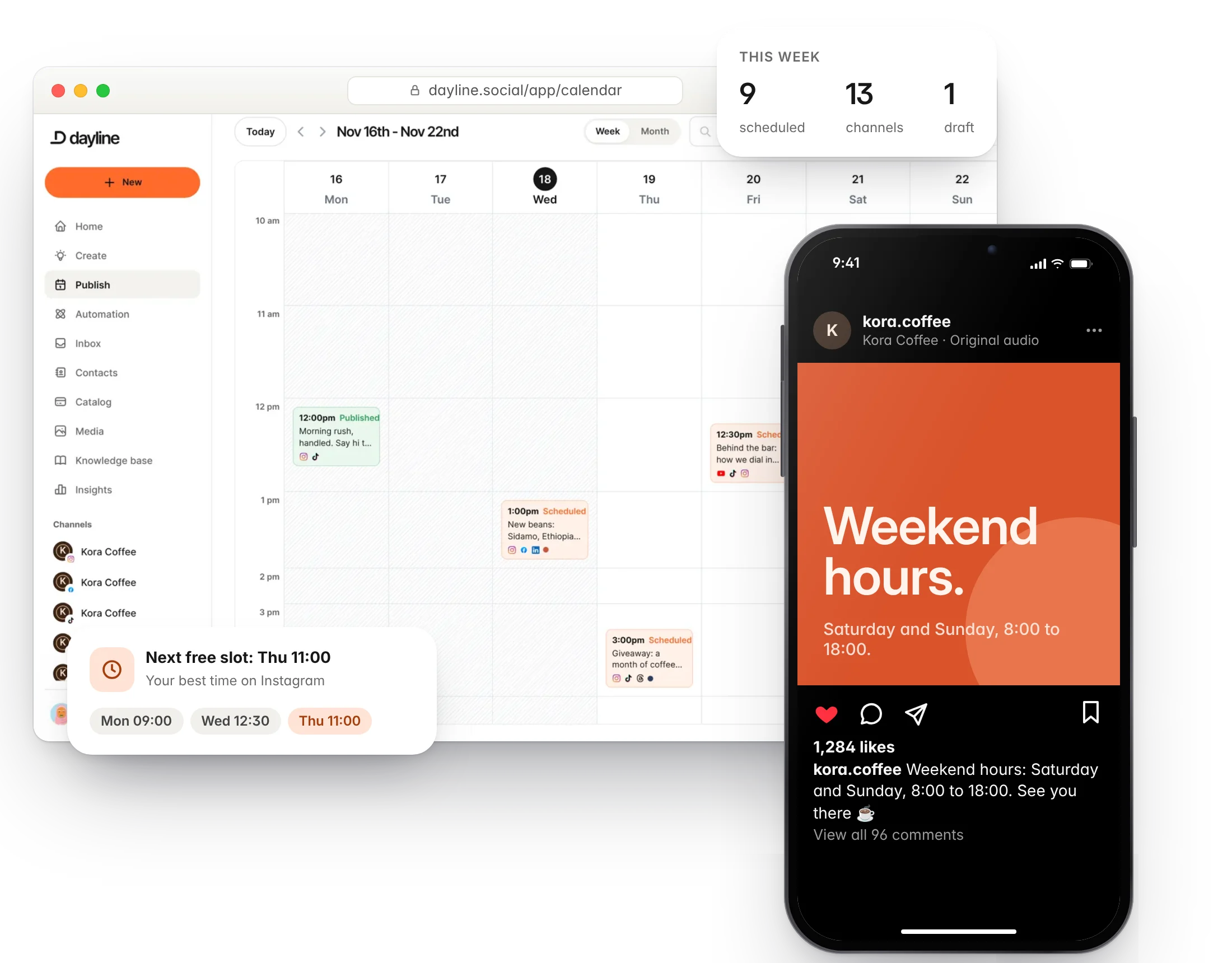
Insights
Learn what your audience loves.
Reach, likes, replies and shares per post, follower growth over time, and the best time to post, worked out from your own numbers.
Start free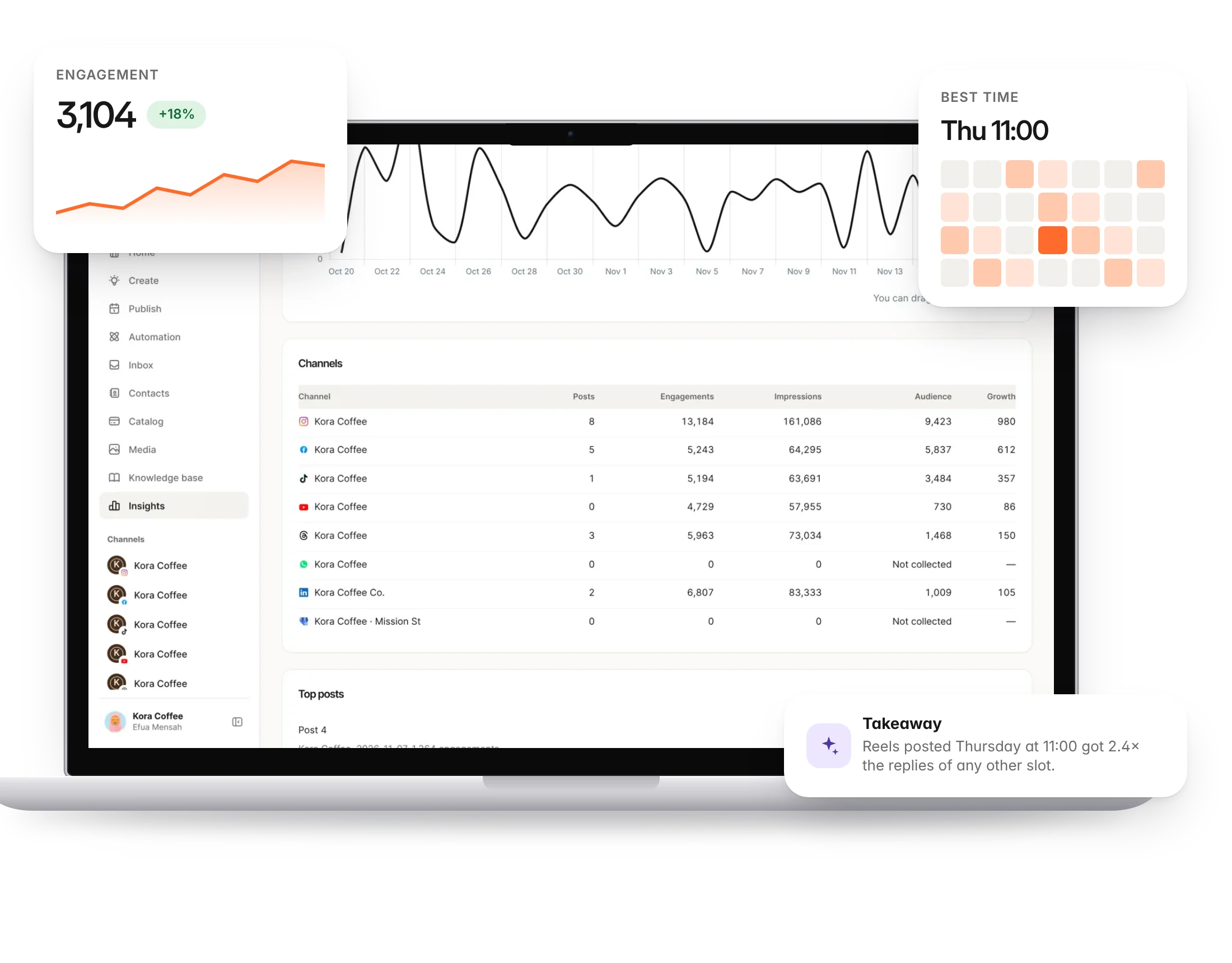
Plan
Fresh ideas at your fingertips.
Save ideas on your phone or desktop, tag them by campaign, and turn them into Instagram drafts when you have time. The AI assistant helps when you are stuck. The grid planner shows how your profile will look before you post.
Start free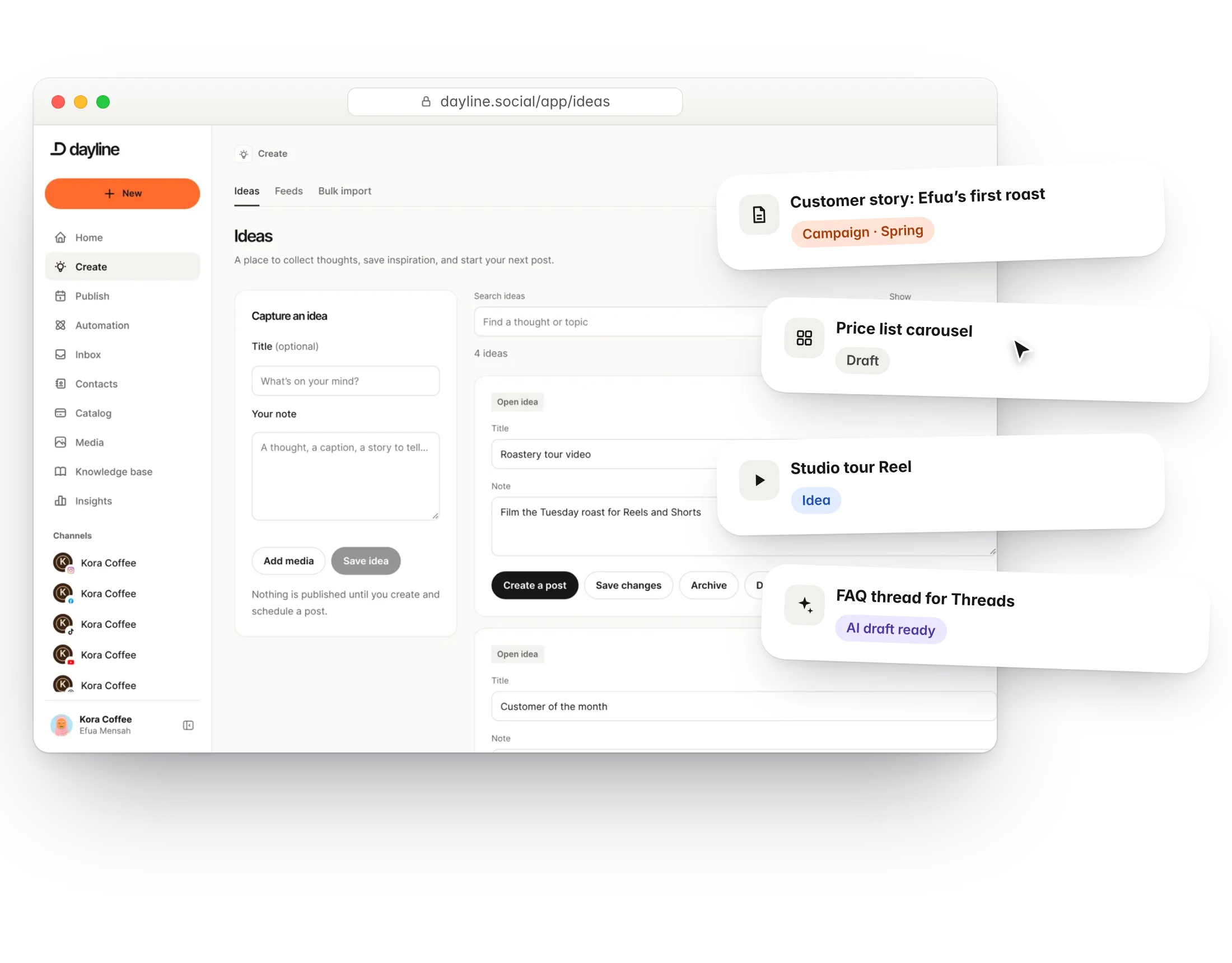
Community
Never miss a reply again.
Every comment and message on Instagram lands in the Dayline inbox with the tone tagged, so you answer the ones that matter first. Automations can answer common questions with a private message.
Start free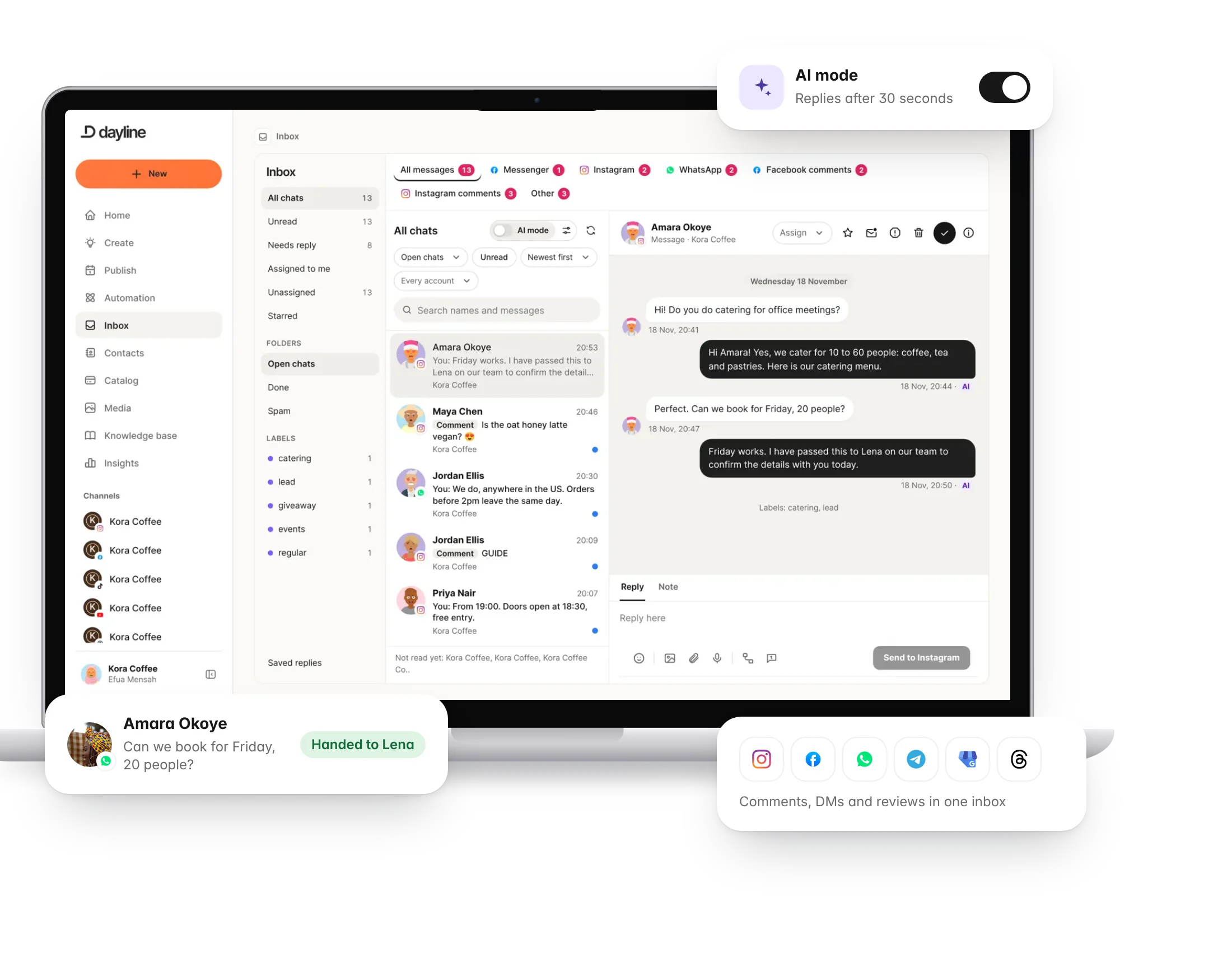
Resources
Our best advice for Instagram
Whether you are starting a new account from scratch or trying to grow one that has stalled, start here.

FAQs
Do I need a business account?
Yes. Instagram's API only works with business or creator accounts that are linked to a Facebook Page. Switching is free and takes a minute in the Instagram app.
Can Dayline publish Reels and Stories automatically?
Yes, through Instagram's official API. Some options, such as music from Instagram's library, are only available in the Instagram app.
Can I schedule carousels?
Yes. Add several images or videos to one post and Dayline publishes it as a carousel.
Can I reply to comments and DMs in Dayline?
Yes. Comments and messages arrive in the inbox, and automations can answer comment keywords with a DM.
Why do my numbers differ from Instagram Insights?
Dayline imports statistics on a schedule, so there can be a few hours of delay. Instagram also counts some metrics differently in the app than in its API.
How do I connect Instagram?
Sign in with your own account through the platform's official login. Dayline never sees your password, and you can revoke access at any time. You need a business or creator account linked to a Facebook Page. Instagram requires a business or creator account connected to a Facebook Page.
Run your social day with confidence.
Plan the posts, answer the messages and reuse the videos, from one calm workspace.
Free plan forever. 7 days of Pro to start, no card needed.