Design source
Dayline and Canva
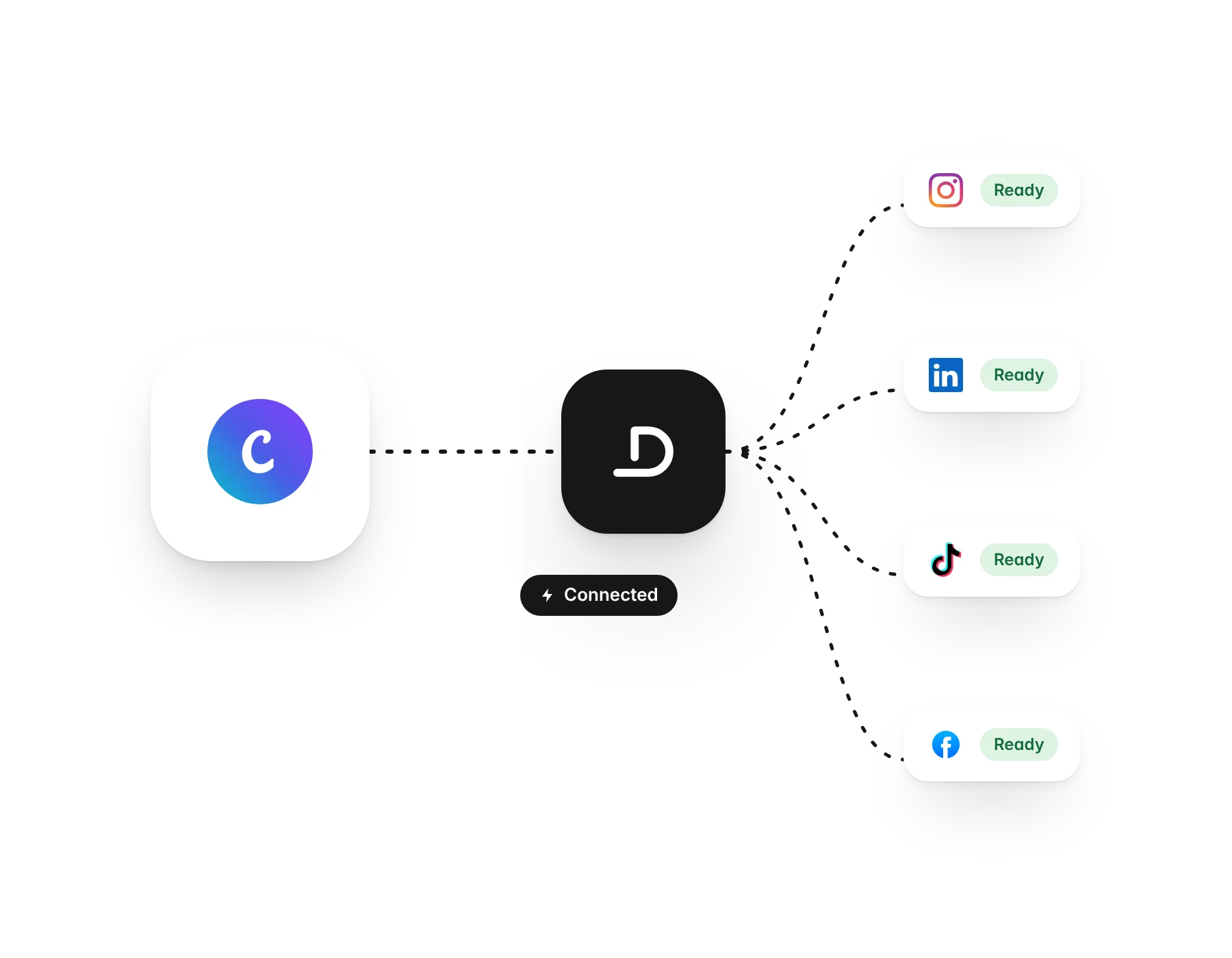
Bring your Canva designs into Dayline as images or video, ready to post.
What you can do
- Export as PNG, JPG or MP4
- Each page of a design as its own file
- Search your designs
How it works
In the media library, choose Bring in from Canva and connect your Canva account once. Pick a design and choose PNG, JPG or MP4. Every page of a multi-page design comes in as its own file, so you can add them to a post as a carousel.
Start freeMore integrations
Plan and post from a conversation with Claude through the Dayline MCP server.
AI assistantChatGPTConnect ChatGPT to Dayline as a custom connector using the same MCP server.
MediaUnsplashFree, high-quality photos inside the composer and media library.
MediaTenorGIFs inside the composer.
Media source and backupGoogle DrivePick photos and videos from Google Drive, and back up every auto-repost to it.
Media sourceGoogle PhotosBring photos and videos from Google Photos into your posts.
Media sourceOneDriveAttach images and videos from OneDrive or SharePoint.
Media source and backupDropboxPick files from Dropbox, and back up every auto-repost to it.
WorkflowInstagram and Facebook auto-repostPost once on Instagram or a Facebook Page and Dayline reposts it to your other channels.
Content sourceRSS feedsPull posts from any feed, and podcast episodes into audiograms.
DevelopersWebhooks and your own toolsSend Dayline events to any system that can receive an HTTP call.