Schedule LinkedIn posts
Show up on LinkedIn every working day.
Schedule posts, documents and videos to your profile and company pages, with the link in the first comment and approvals before anything goes out.
Start free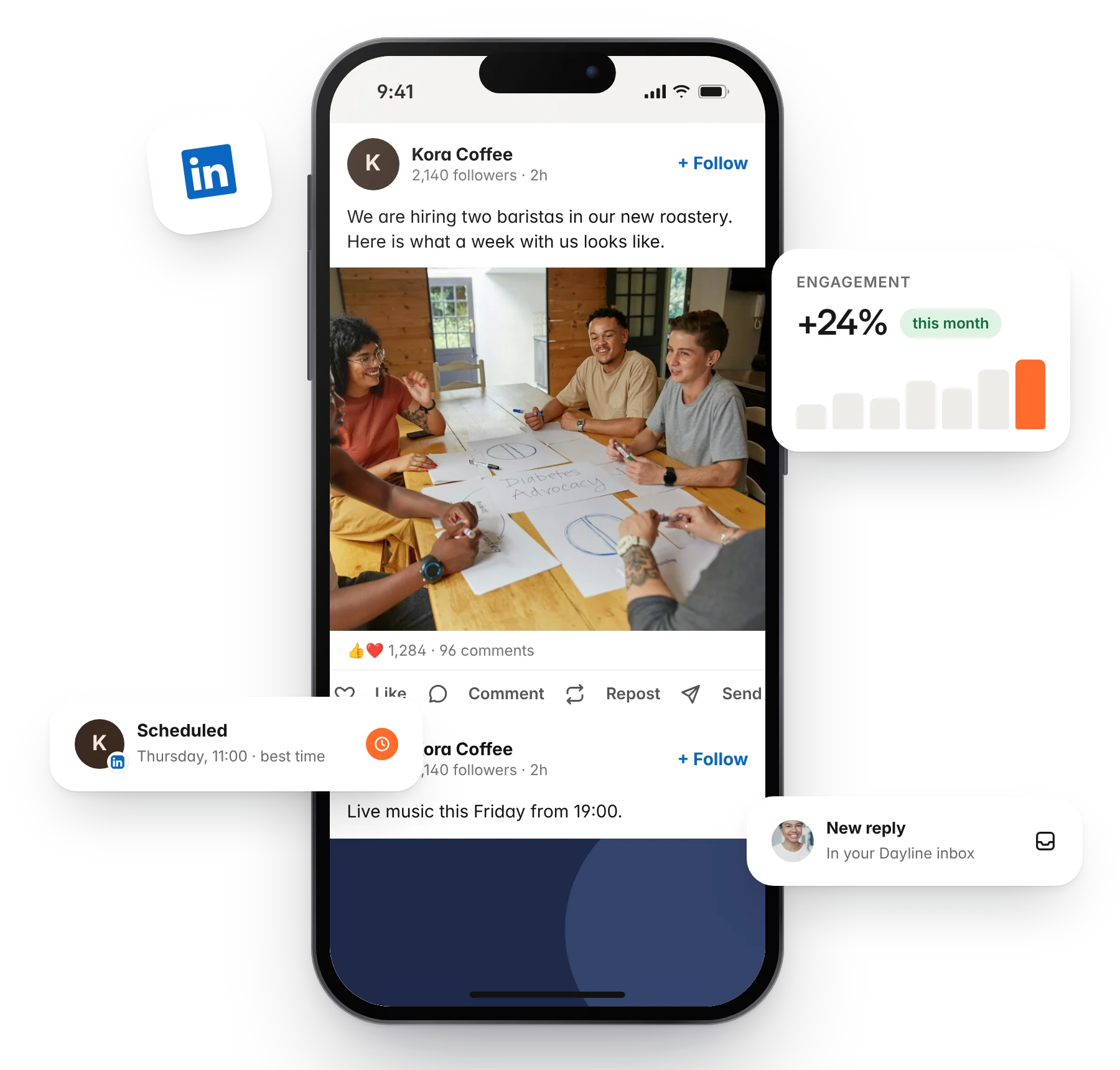
Benefits
Schedule everything
Set posts, images, documents and videos to publish automatically at the times you choose, from the same calendar as every other channel.
Never miss a slot
Queues hold your best posting times. Add a post and it takes the next free one.
Save and shape ideas
Capture ideas in one board, turn them into drafts, and let the AI assistant write a first version in your voice.
Profiles and pages together
Post the same idea to your personal profile and your company page, each with its own wording.
One tool, the whole job.
Dayline's tools for LinkedIn go further than scheduling. Here is how the rest of the workspace makes running LinkedIn simpler.
Schedule
Prep today, post whenever.
Write once, adapt the caption for LinkedIn, add media, and schedule. Dayline checks LinkedIn's limits before the post goes out, so it is not refused at the last minute. Put the link in the first comment and keep the caption clean.
Start free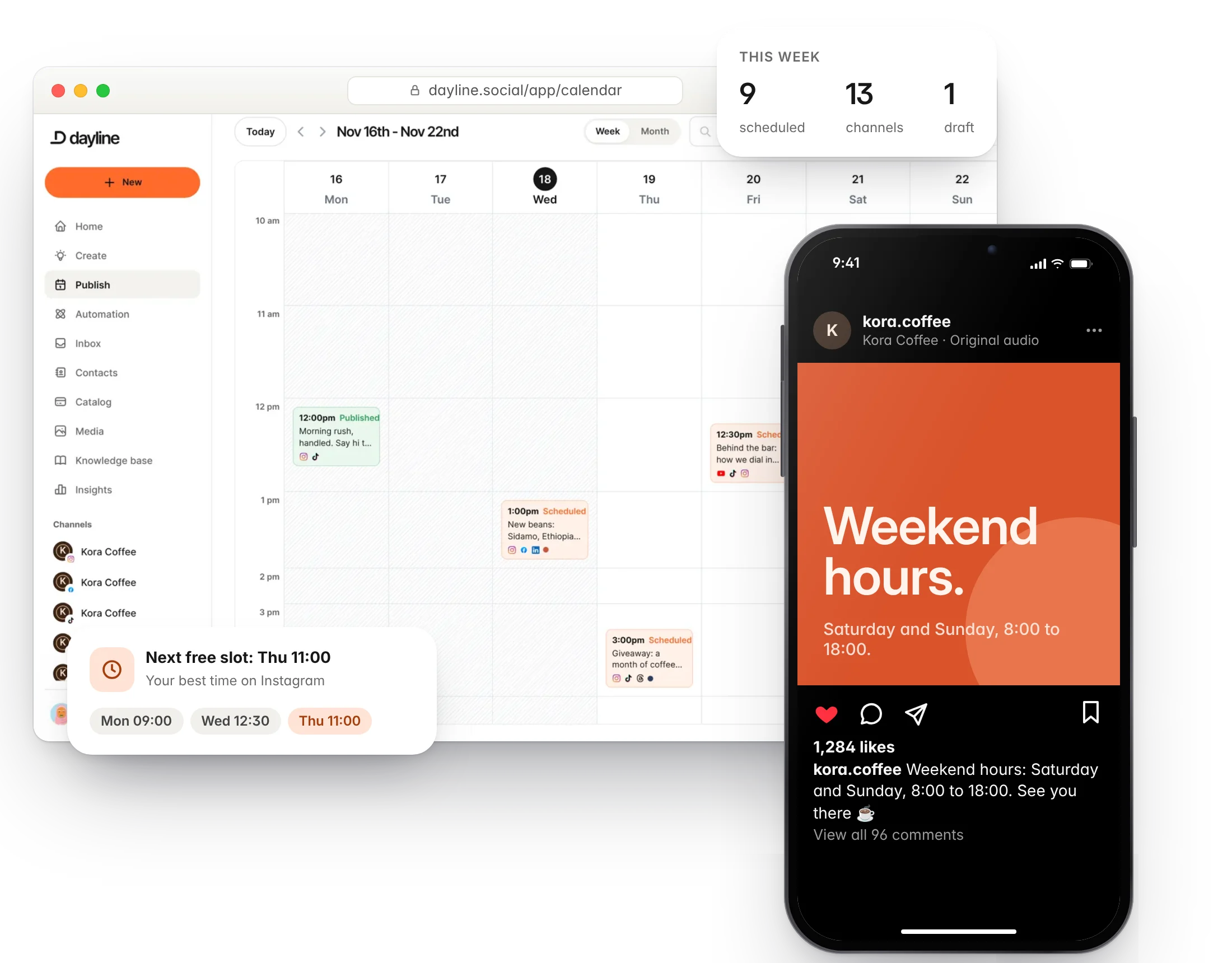
Repurpose
One recording, a week of posts.
Upload a webinar, a podcast or a talk. Dayline finds the strongest moments, adds captions and resizes them for LinkedIn, then drops them into the calendar as drafts.
Start free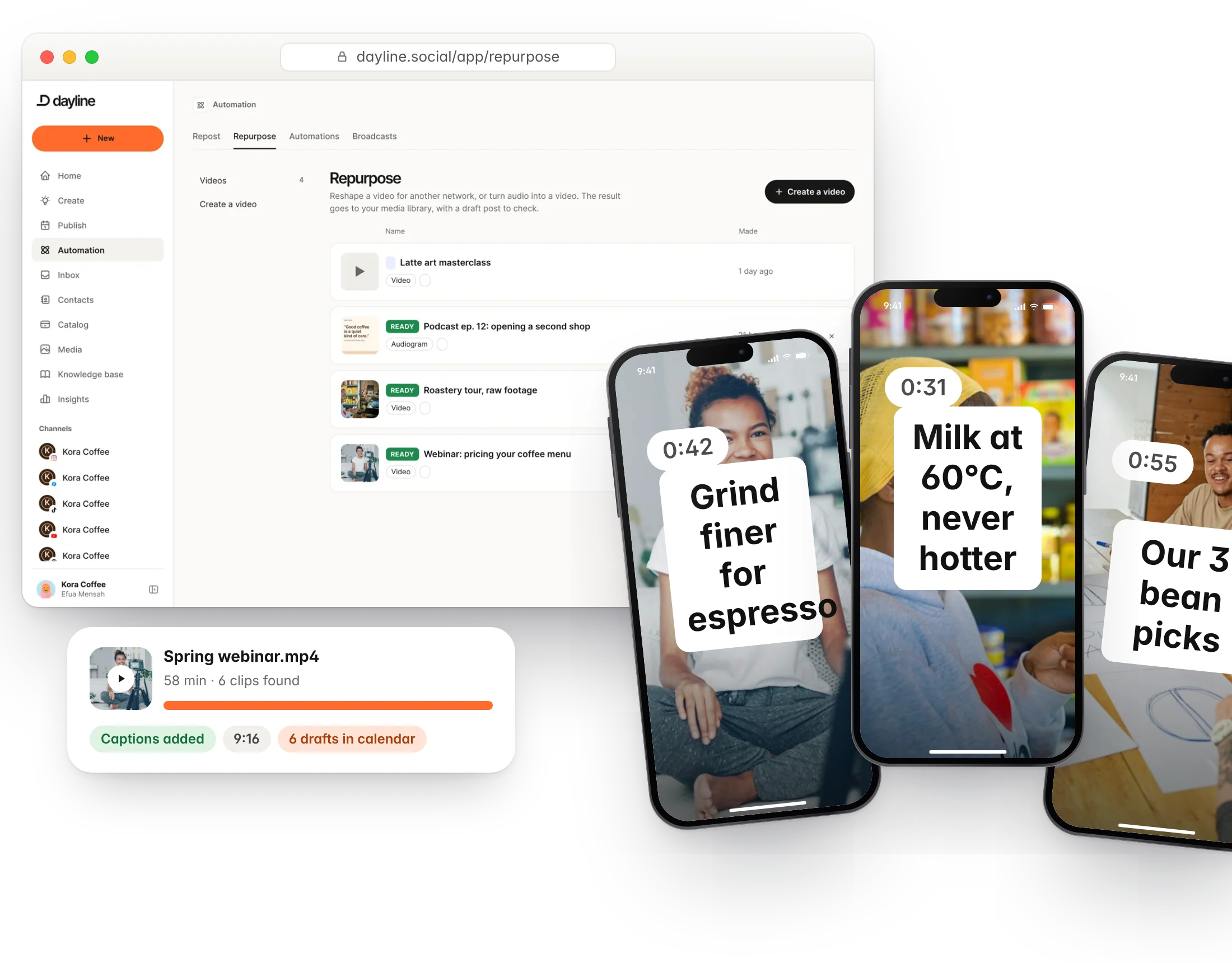
Plan
Fresh ideas at your fingertips.
Save ideas on your phone or desktop, tag them by campaign, and turn them into LinkedIn drafts when you have time. The AI assistant helps when you are stuck.
Start free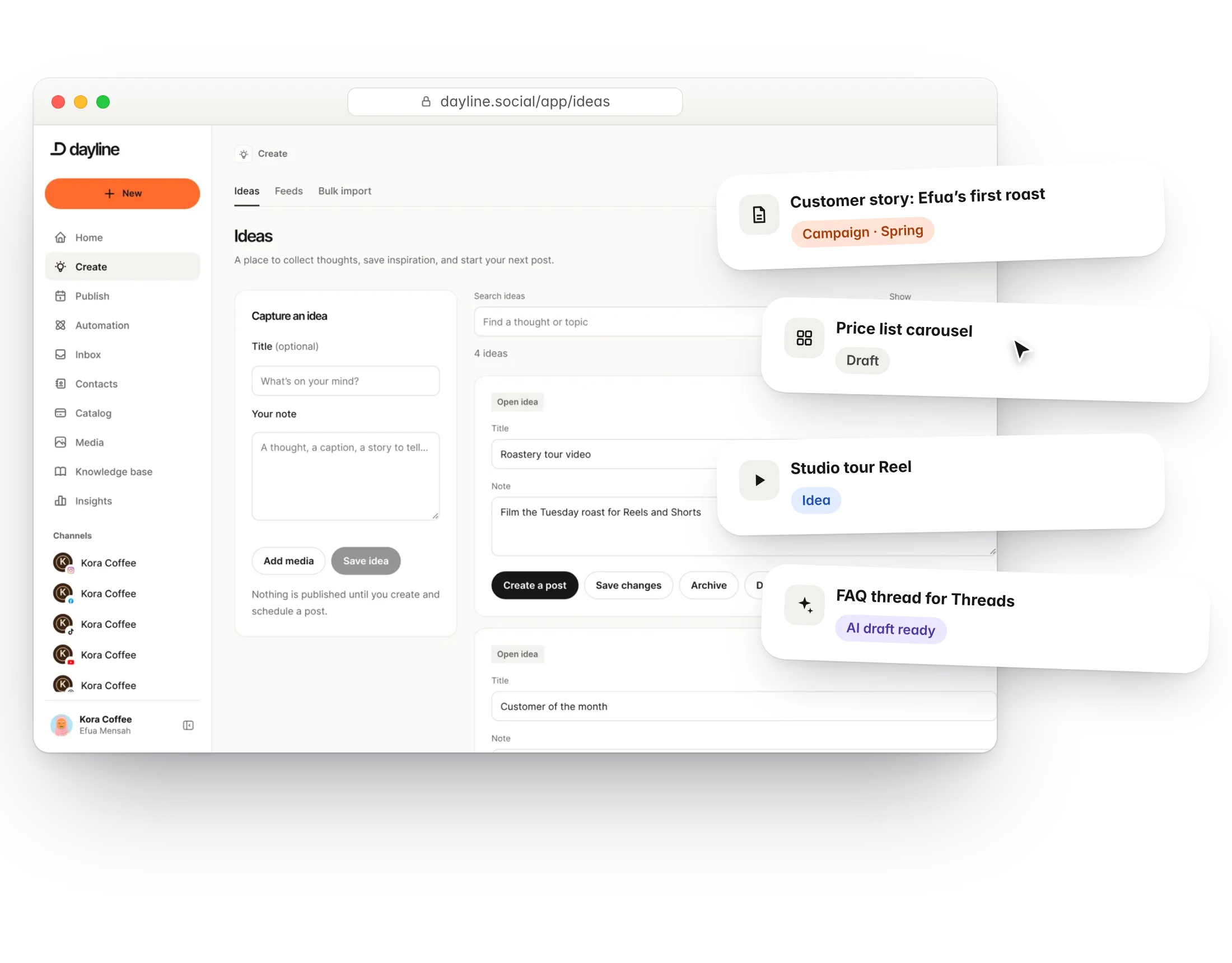
Collaborate
Approvals before anything goes out.
Send a post for approval and it waits on the calendar until a teammate or client signs it off. Notes stay on the post.
Start free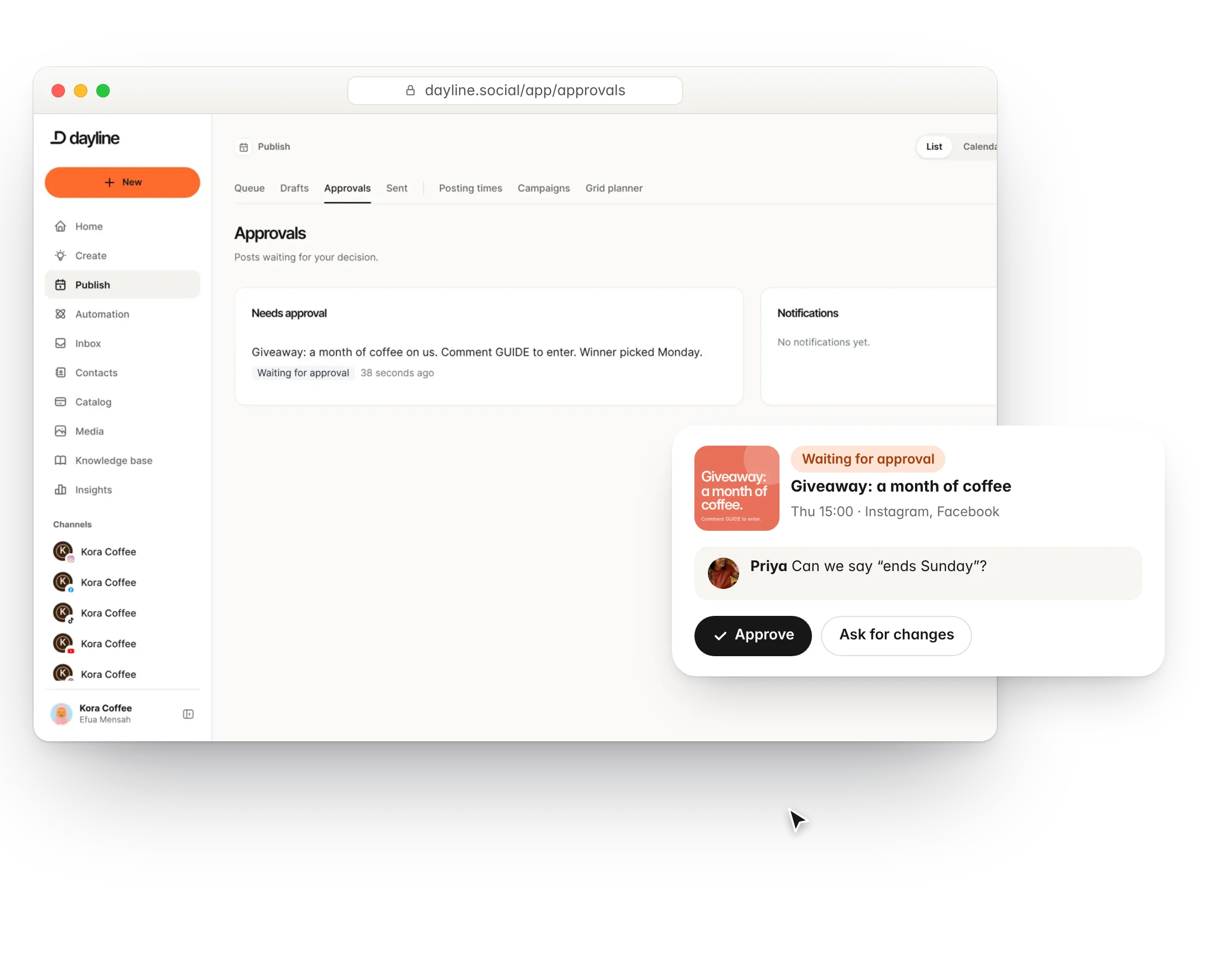
Resources
Our best advice for LinkedIn
Whether you are starting a new account from scratch or trying to grow one that has stalled, start here.

FAQs
Can I post to company pages?
Yes, when you are an admin of the page.
Can I schedule document posts?
Yes. Upload a PDF and LinkedIn shows it as a carousel.
Can I schedule a first comment?
Yes. The link goes in the first comment so the post keeps its reach.
Do I need to reconnect often?
LinkedIn tokens expire every 60 days. Dayline shows a reminder before that.
Can I reply to comments in Dayline?
Not yet. LinkedIn comments are on the roadmap.
How do I connect LinkedIn?
Sign in with your own account through the platform's official login. Dayline never sees your password, and you can revoke access at any time. You need a personal profile or admin access to a company page. Company pages need admin rights.
Run your social day with confidence.
Plan the posts, answer the messages and reuse the videos, from one calm workspace.
Free plan forever. 7 days of Pro to start, no card needed.