Developers
Connect your own tools and AI agents.
A REST API, webhooks and an MCP server so your assistant, your automation tool or your own code can read the calendar and add to it.
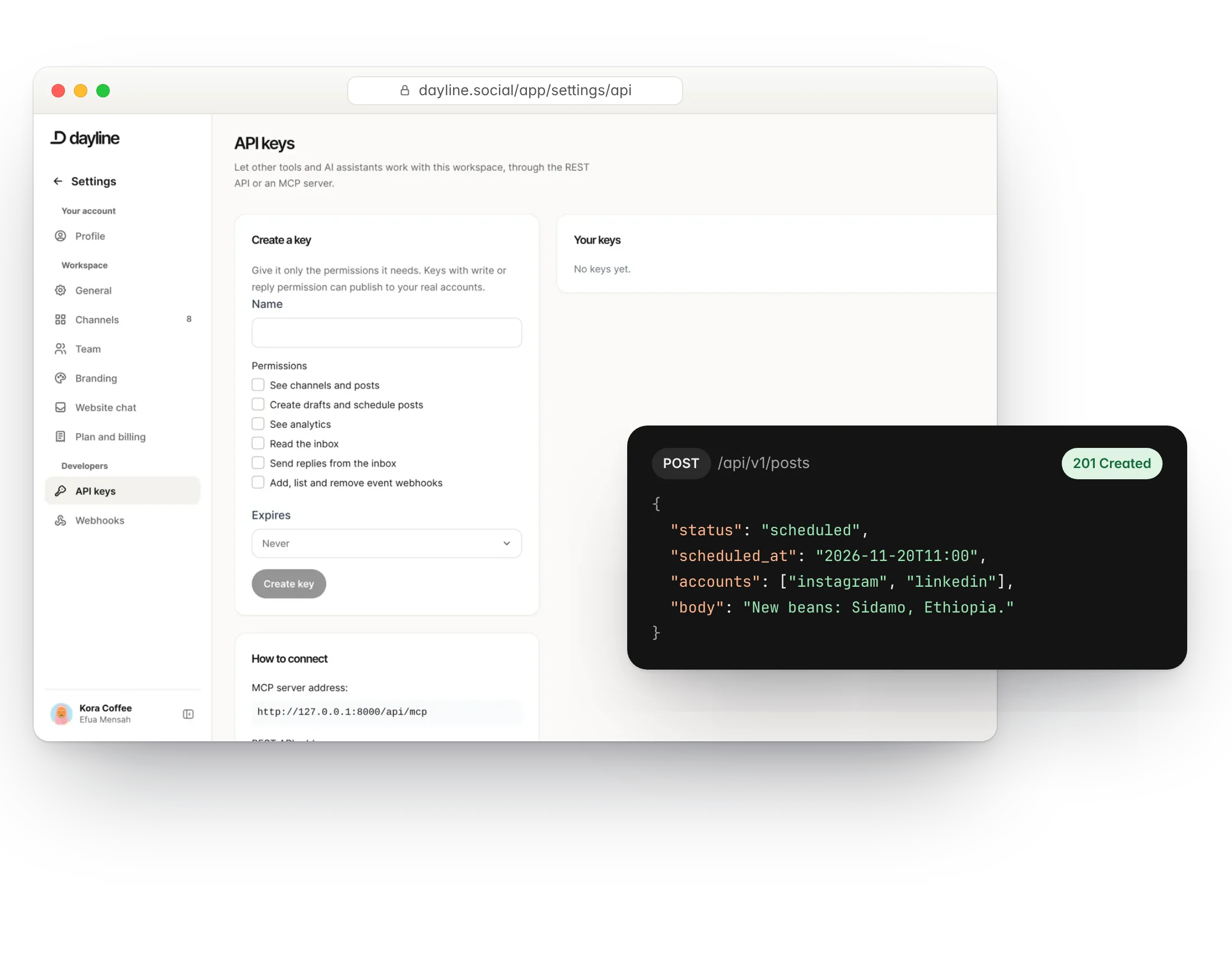
REST API
Create and list posts, media, channels and contacts with an API key from your workspace. Rate limits scale with your plan.
- Bearer-token keys per workspace
- Posts, media, accounts, contacts
- Rate limits from 60 to 600 requests a minute
- Keys you can revoke at any time
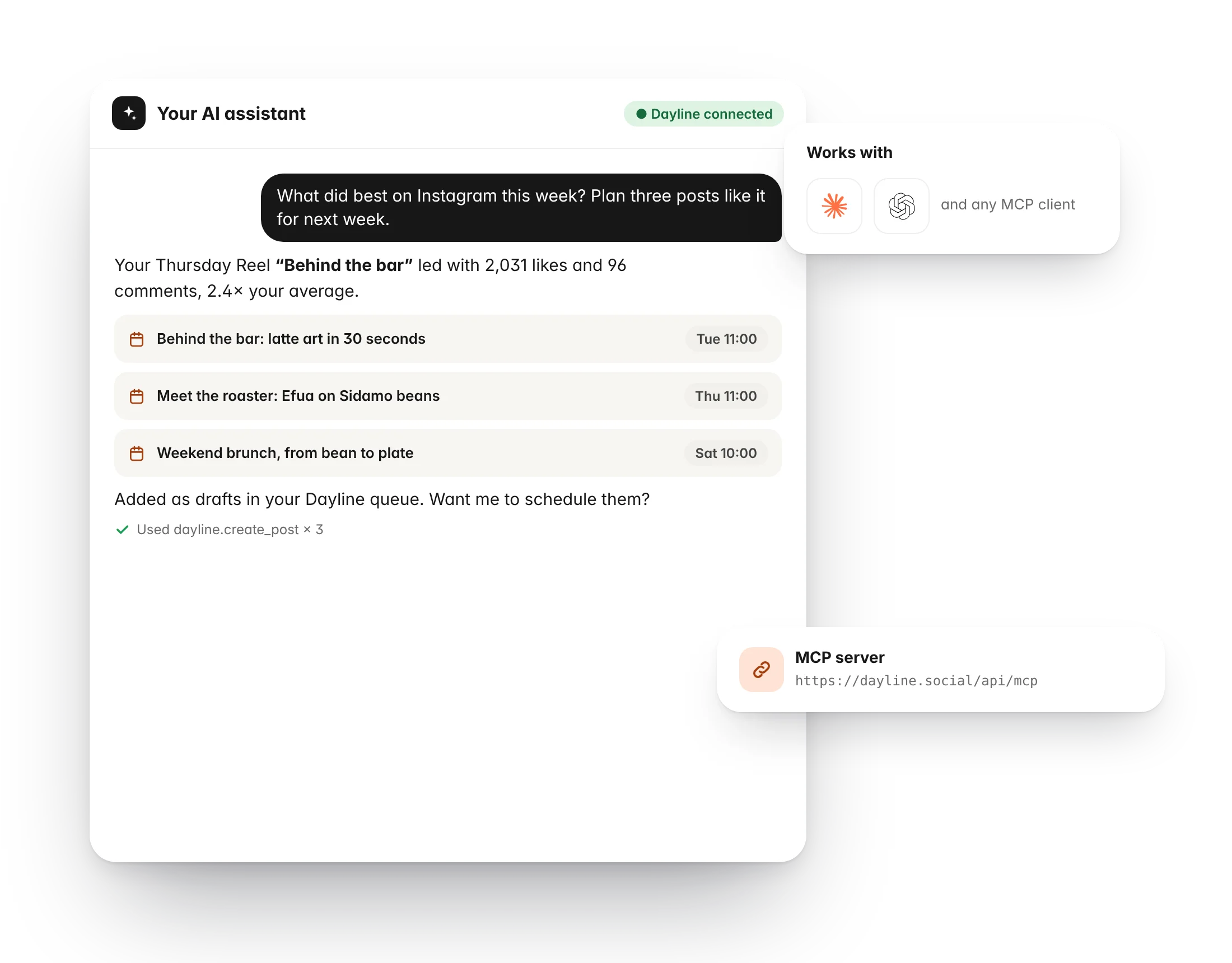
MCP server
Connect Claude or any MCP-compatible assistant and ask it what is scheduled, draft a week of posts or move a launch.
- Same key as the API
- Read the calendar and reports
- Create drafts in your queue
- Nothing publishes without a person approving it
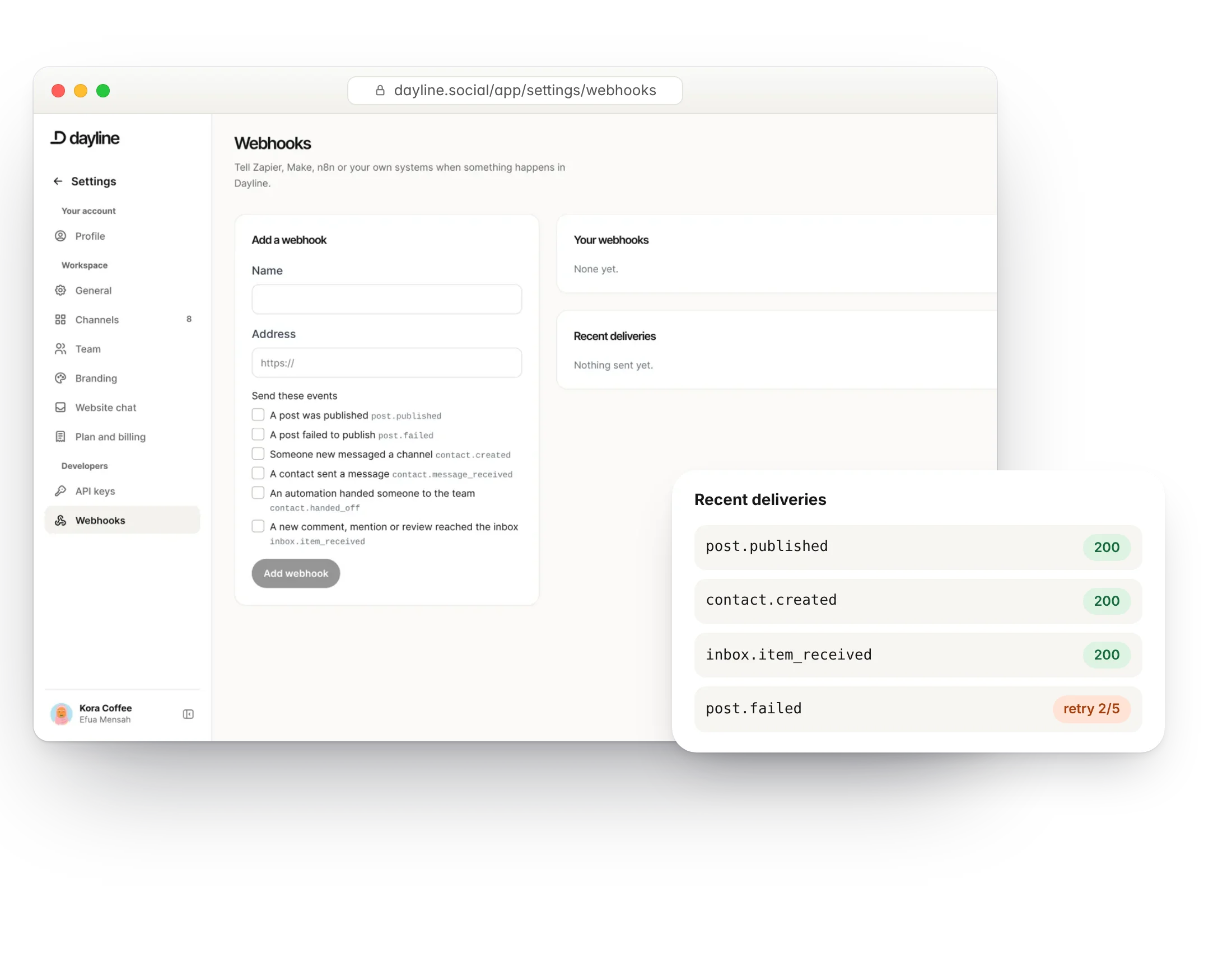
Webhooks
Get an HTTP call when a post is published or fails, a comment arrives or a contact replies. Signed, with retries.
- Signed payloads
- Retries with backoff
- Per-event subscriptions
- Manage webhooks through the API too
Questions
Where do I get an API key?
In your workspace under API keys. The page shows the API and MCP addresses for your account.
Is there documentation?
The developer page on this site covers authentication, endpoints and MCP setup. Full reference docs are published with the API.
More of Dayline
Build your own library of content ideas.
PublishPlan and publish to every channel from one calendar.
EngageReply to comments and DMs, with automations that answer for you.
RepurposeTurn one long video into a week of short ones.
InsightsSee what works and when to post next.
CollaborateApprovals, notes and roles for your team and clients.
AI assistantDraft, reply and clip with AI that knows your business.
Run your social day with confidence.
Plan the posts, answer the messages and reuse the videos, from one calm workspace.
Free plan forever. 7 days of Pro to start, no card needed.