Collaborate
Approvals, notes and roles for your team and clients.
Owners, admins, editors, contributors and reviewers, each seeing exactly what they should. Send a draft for approval and it waits on the calendar until someone signs it off.
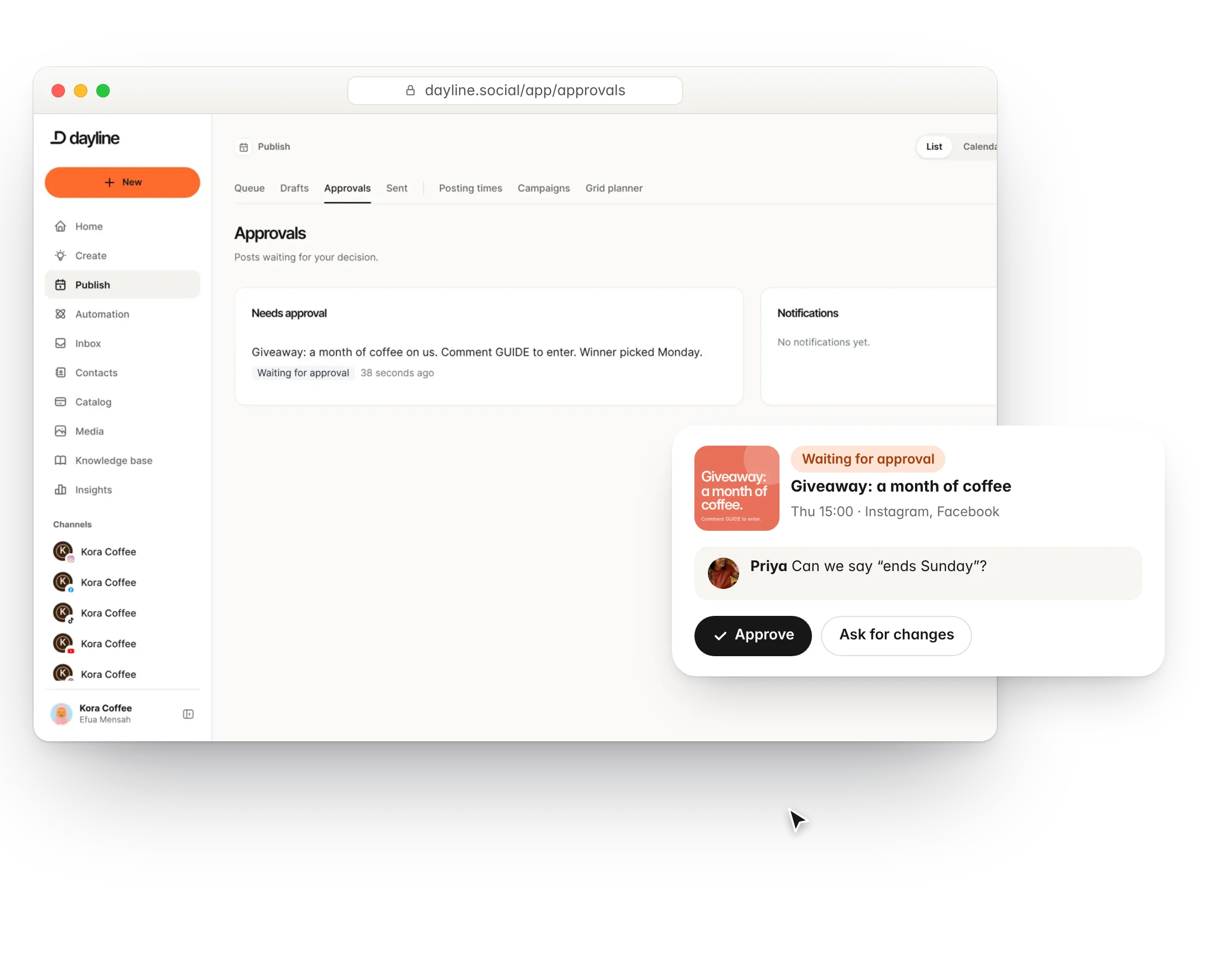
Roles that match real teams
An owner runs billing, admins manage people and channels, editors publish, contributors draft, reviewers approve. Invite by email in seconds.
- Five workspace roles
- Invitations by email
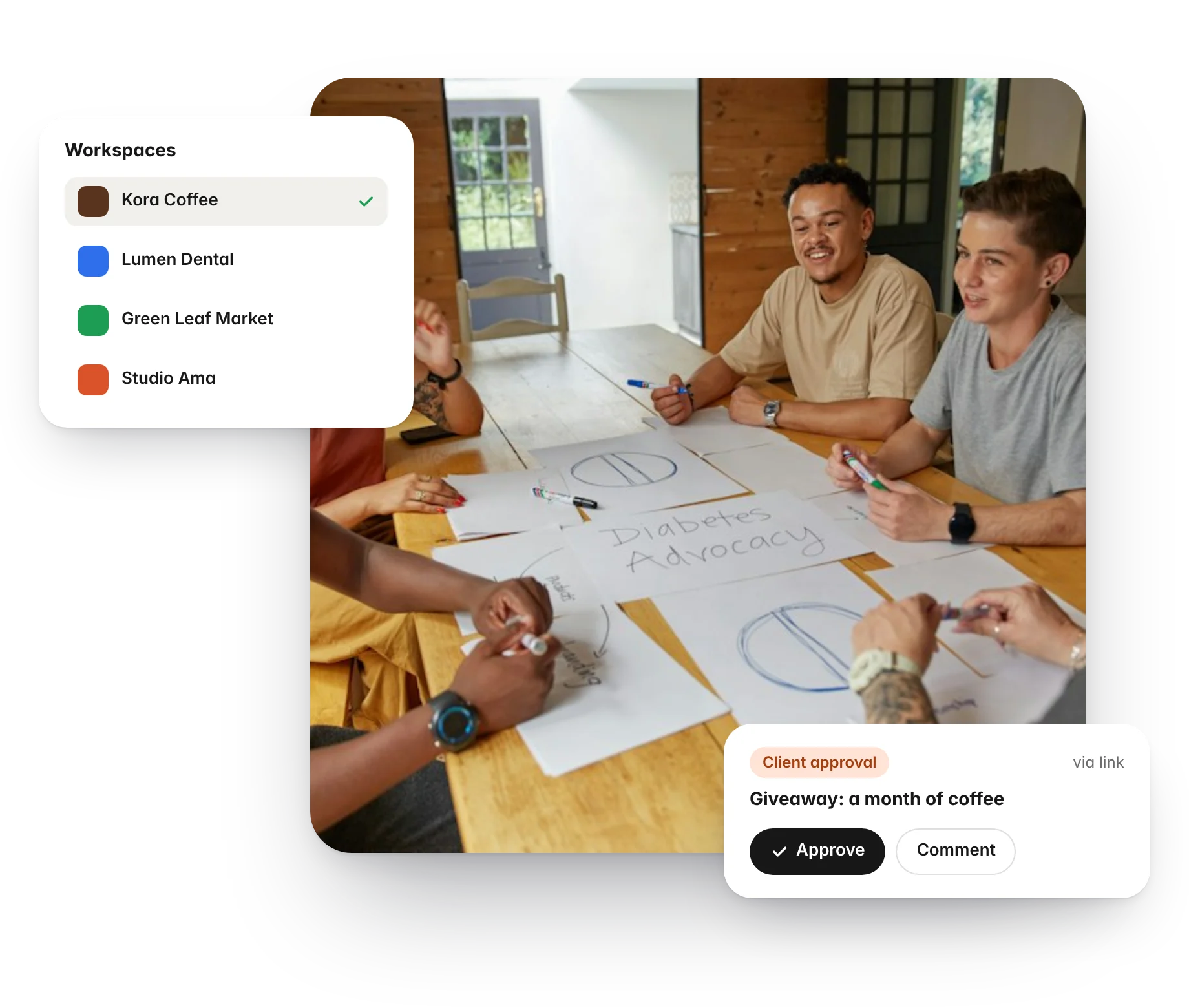
- A workspace for each client or brand
- White-label branding for client-facing pages
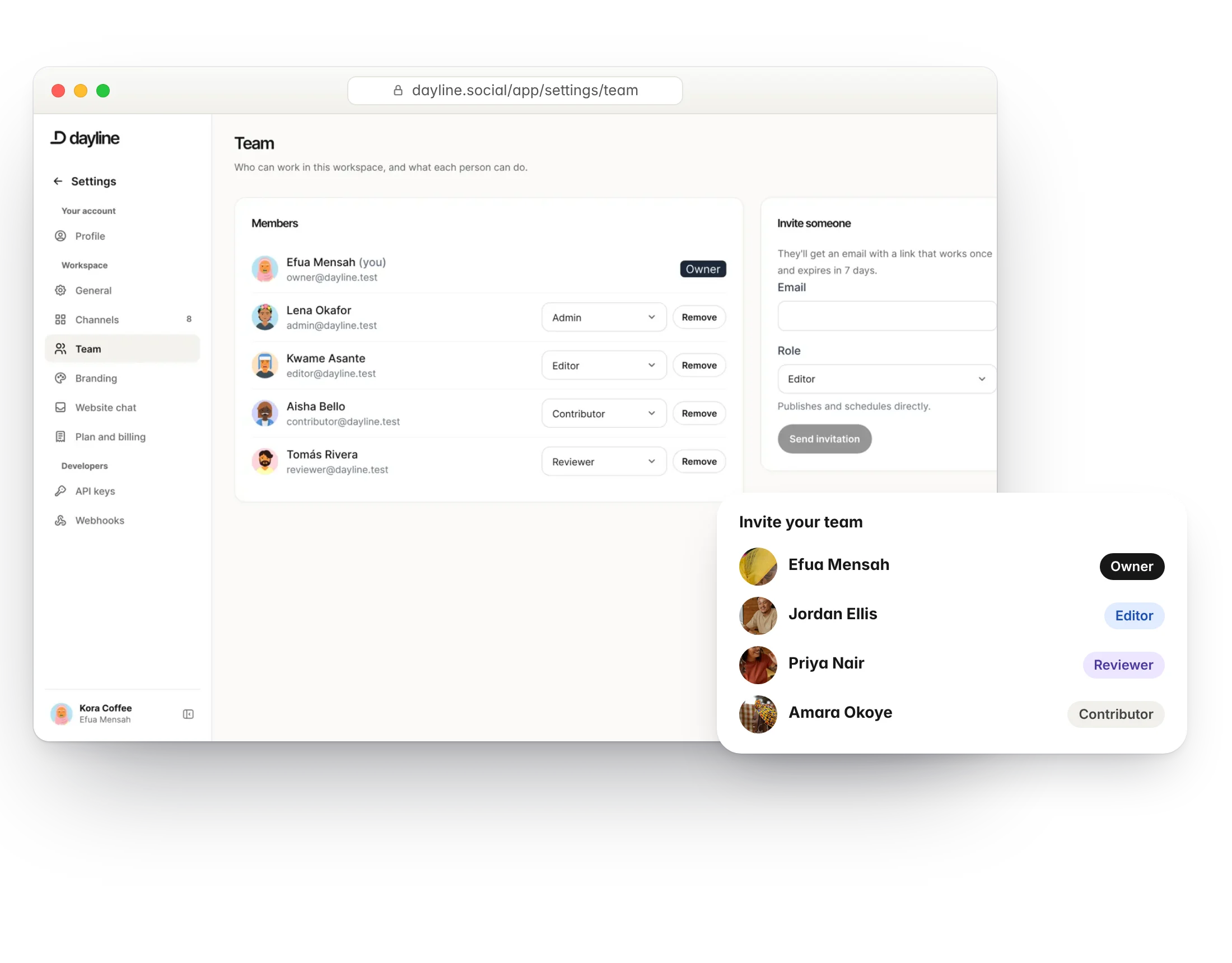
Approvals that do not slow you down
Send any post for approval. Reviewers get a link, leave notes on the post, and approve or ask for changes without an account if you prefer.
- Approval status on the calendar
- Notes on the post itself
- Review links for clients
- Nothing publishes until it is approved
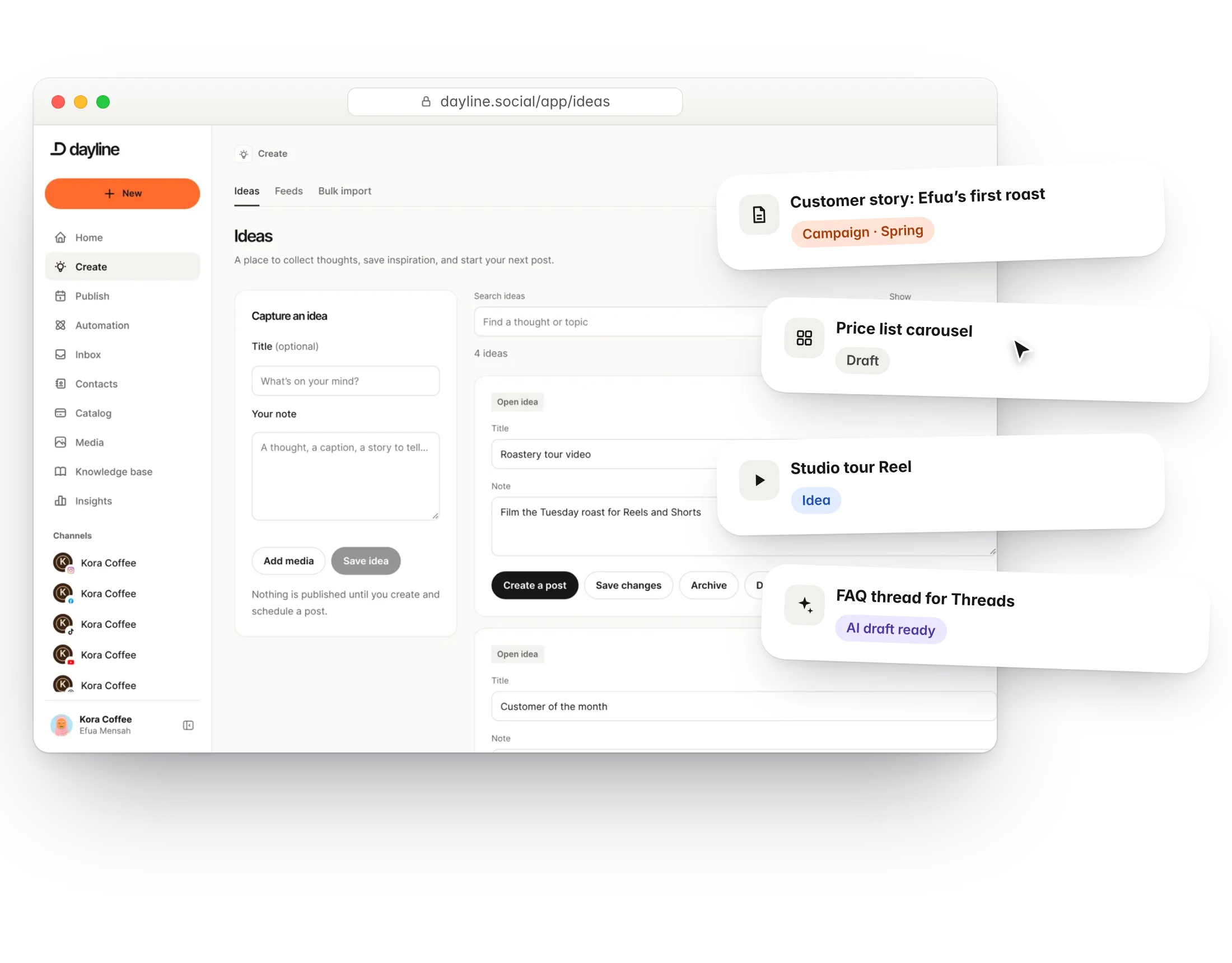
Ideas, together
Capture ideas as they come, tag them, and turn the good ones into drafts. The whole team sees the same backlog.
- Ideas board
- Tags and campaigns
- Shared media library
- Knowledge base the AI uses too
Questions
Can a client approve posts without a Dayline account?
Yes. Send them a review link. They see the post, leave notes and approve or decline.
Can I limit what a teammate can do?
Yes. Give them a role. A contributor can draft but not publish; a reviewer can approve but not write.
More of Dayline
Build your own library of content ideas.
PublishPlan and publish to every channel from one calendar.
EngageReply to comments and DMs, with automations that answer for you.
RepurposeTurn one long video into a week of short ones.
InsightsSee what works and when to post next.
AI assistantDraft, reply and clip with AI that knows your business.
API and MCPConnect your own tools and AI agents.
Run your social day with confidence.
Plan the posts, answer the messages and reuse the videos, from one calm workspace.
Free plan forever. 7 days of Pro to start, no card needed.