Publish
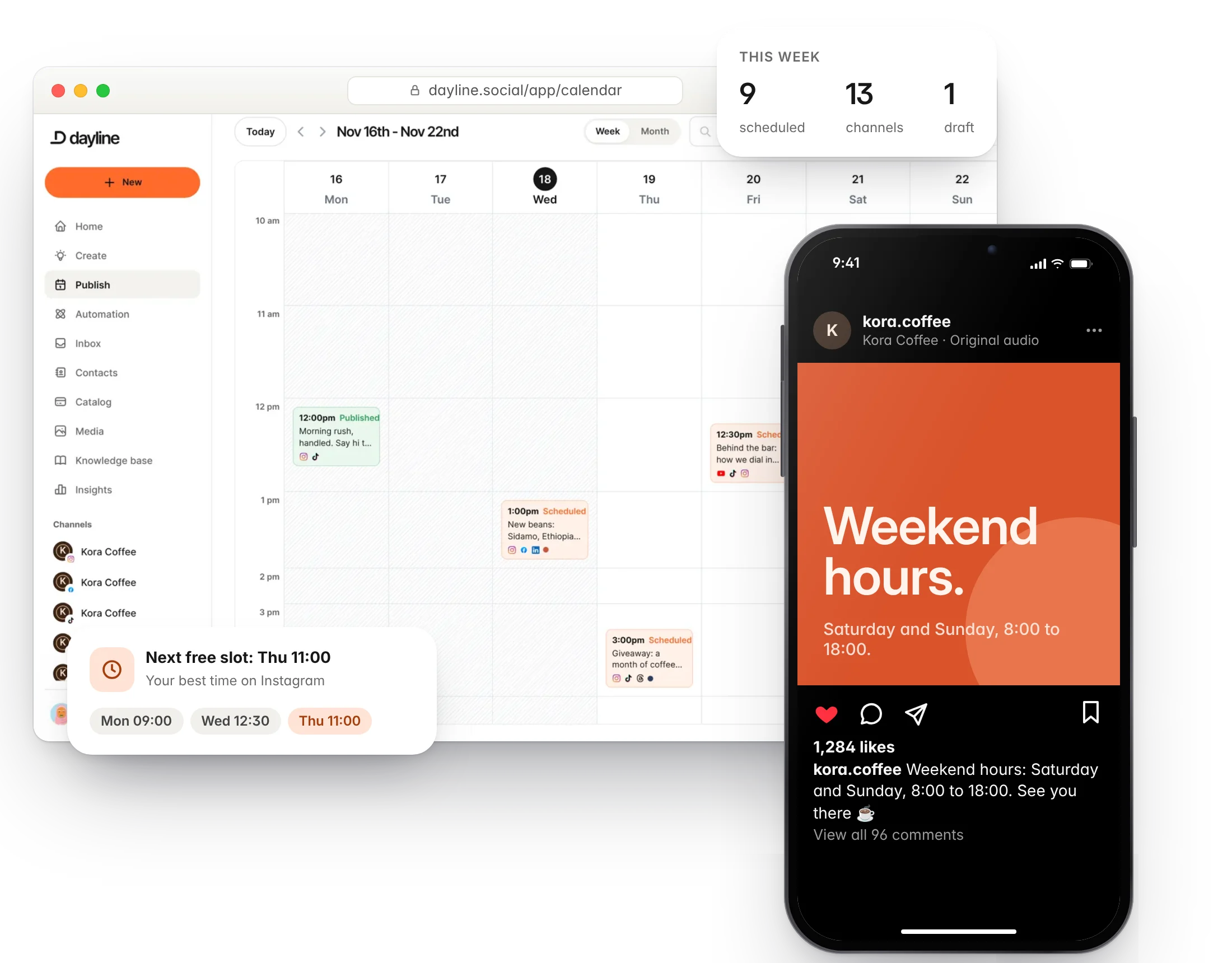
Plan and publish to every channel from one calendar.
Write a post once, shape it for each channel, and schedule it to Instagram, TikTok, LinkedIn, X and ten more. Your day, week and month on one line.
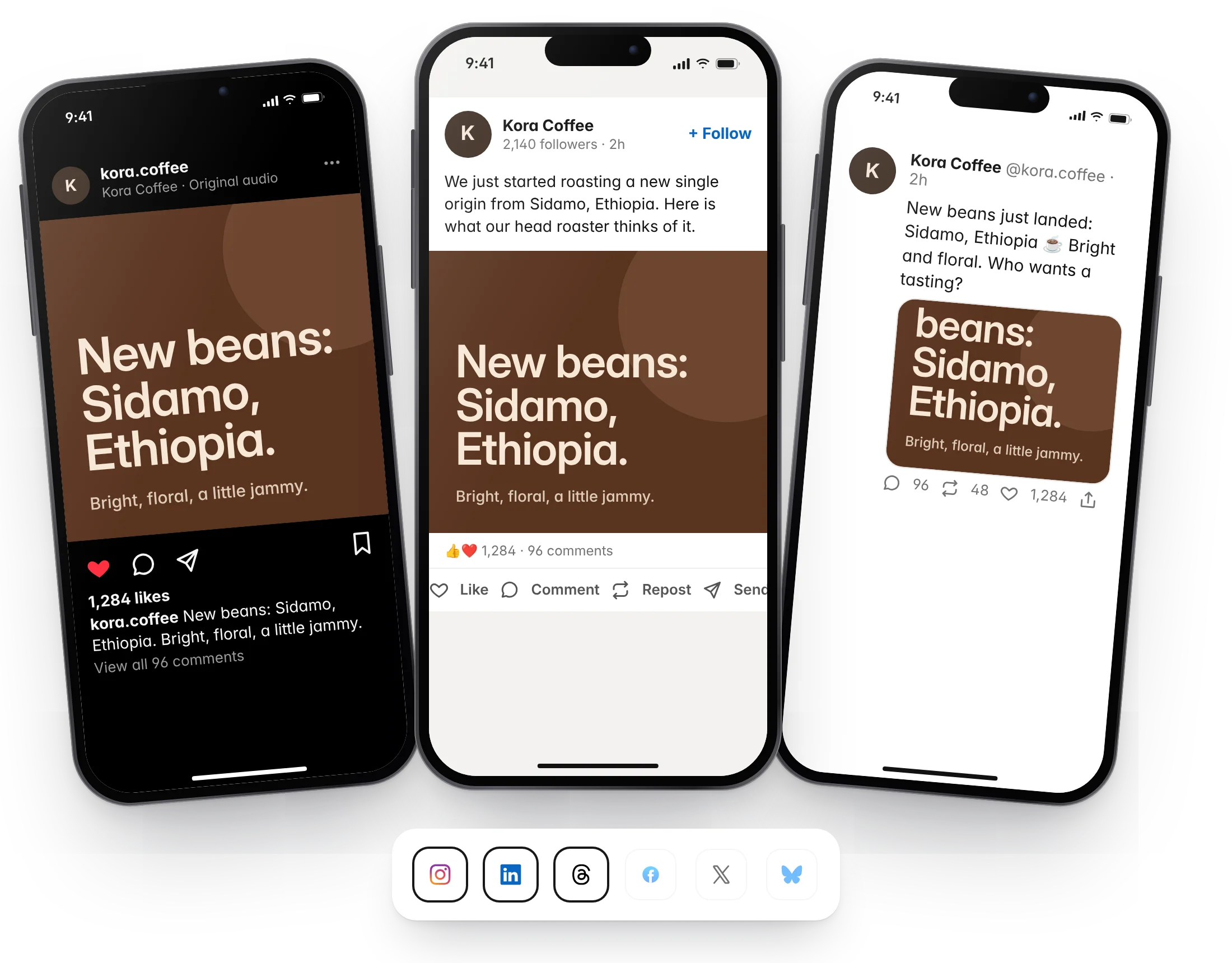
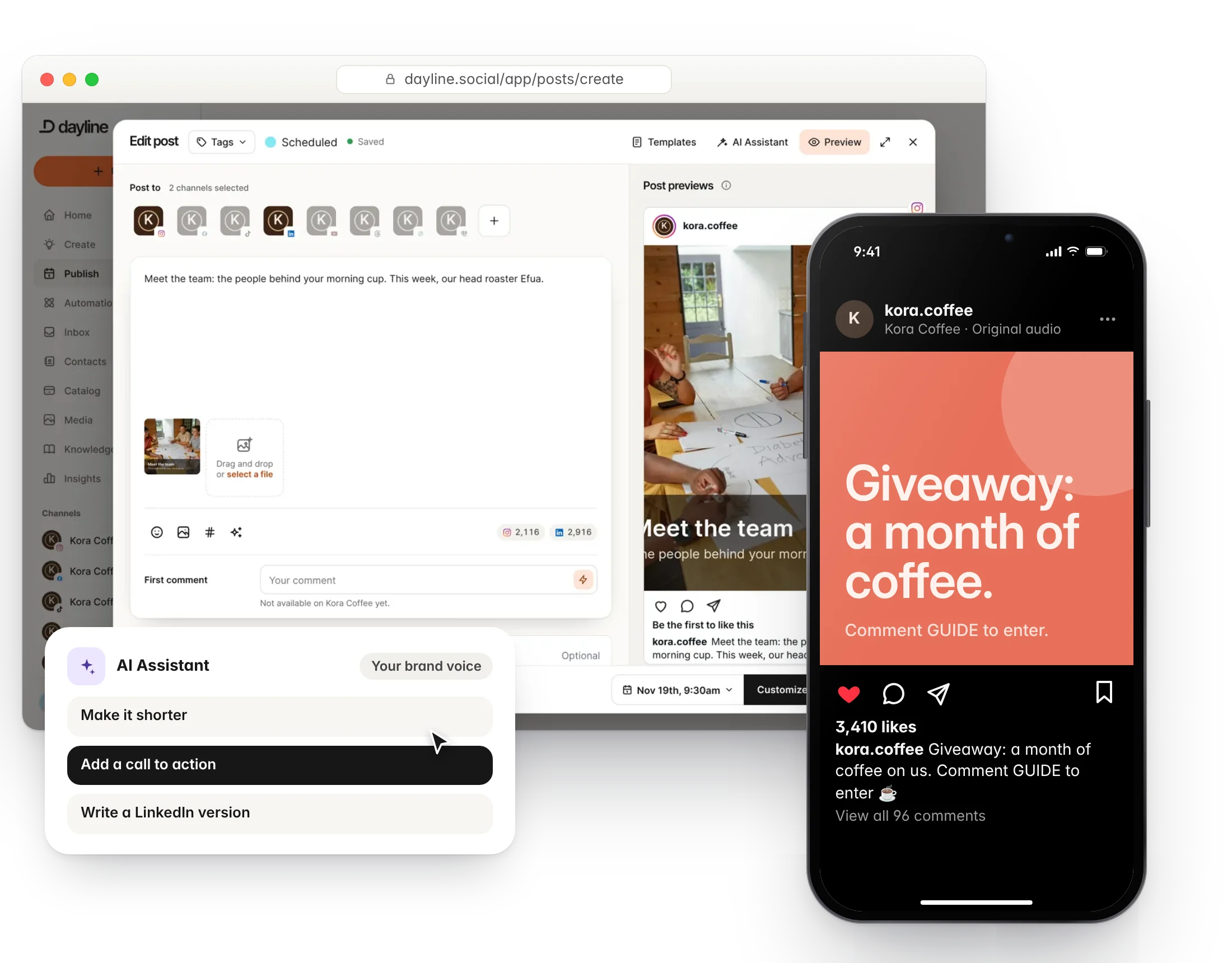
One composer for every channel
Pick the channels, then tune the caption, media and options for each one before it goes out. Dayline checks each platform's limits so a post is not refused at the last minute.
- Per-channel captions and media
- Threads for X, Bluesky, Threads and Mastodon
- First comments for Instagram, Facebook and LinkedIn
- Instagram grid planner
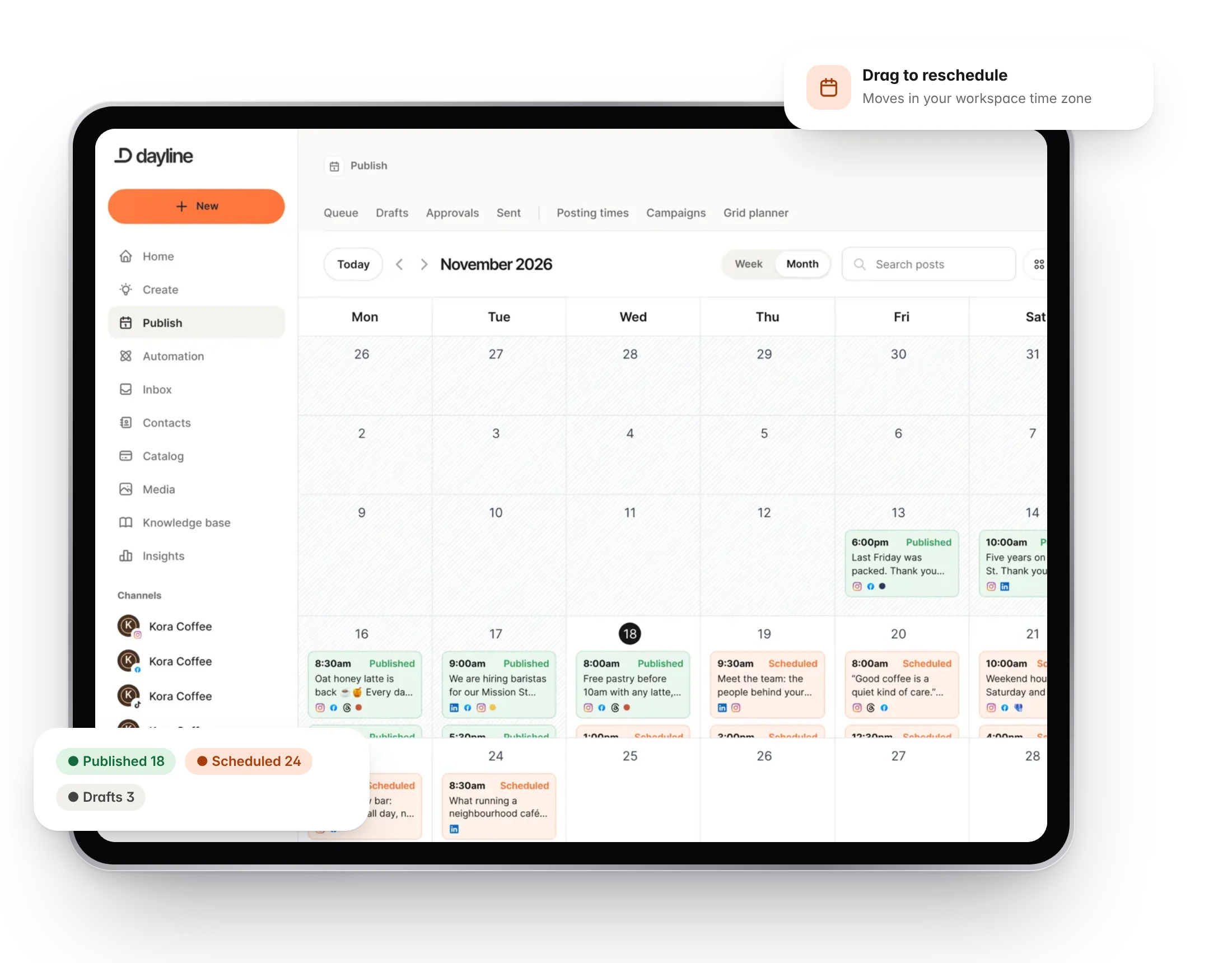
A calendar that shows the gaps
Day, week and month views, drag to reschedule, and a queue of posting times so you never ask "when should this go out?" twice.
- Day, week and month views
- Drag and drop rescheduling in your workspace timezone
- Queues with your best posting times
- Priority publishing on higher plans
Fill the queue without typing
Pull posts from RSS feeds, import a month of content from a CSV file, or turn a long video into clips that land in the calendar as drafts.
- RSS feeds with auto-publish rules
- CSV bulk import with preview
- Clips from the Repurpose tool
- Campaigns and UTM tags on every link
Questions
Can I post to several channels at once?
Yes. Select as many channels as you like and customise the text for each one before scheduling.
What happens if a platform rejects a post?
The post shows a clear error on the calendar with the platform's reason, and you can fix it and retry.
More of Dayline
Build your own library of content ideas.
EngageReply to comments and DMs, with automations that answer for you.
RepurposeTurn one long video into a week of short ones.
InsightsSee what works and when to post next.
CollaborateApprovals, notes and roles for your team and clients.
AI assistantDraft, reply and clip with AI that knows your business.
API and MCPConnect your own tools and AI agents.
Run your social day with confidence.
Plan the posts, answer the messages and reuse the videos, from one calm workspace.
Free plan forever. 7 days of Pro to start, no card needed.