Repurpose
Turn one long video into a week of short ones.
Upload a webinar, a podcast or a talk. Dayline finds the strongest moments, adds captions, resizes for vertical feeds and drops the clips into your calendar.
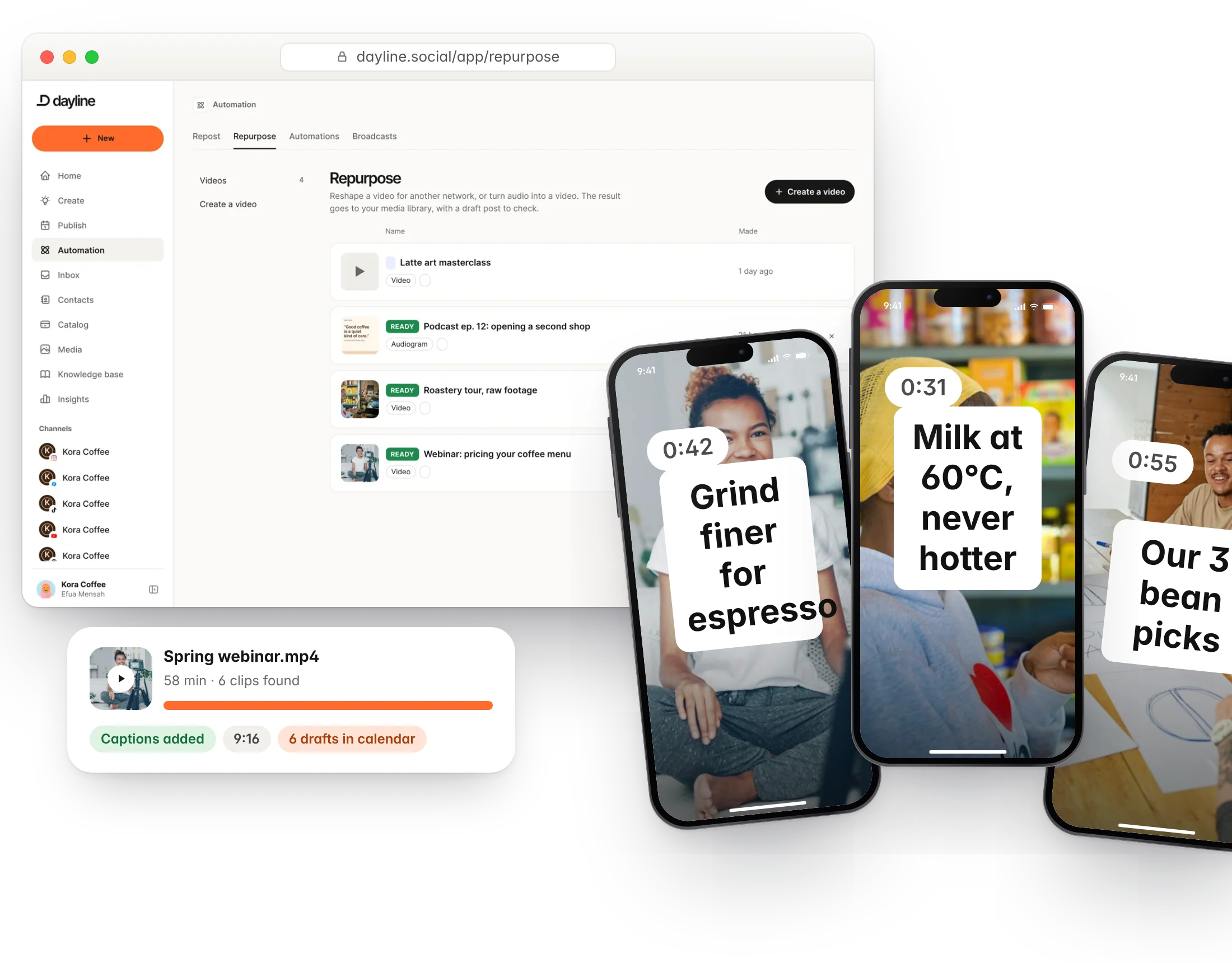
Smart clipping
AI reads the transcript and picks the moments worth sharing, so you do not scrub through an hour of footage. Choose how many clips and how long.
- Transcript-based highlight detection
- Choose clip count and length
- Pick a whole file section by hand when you prefer
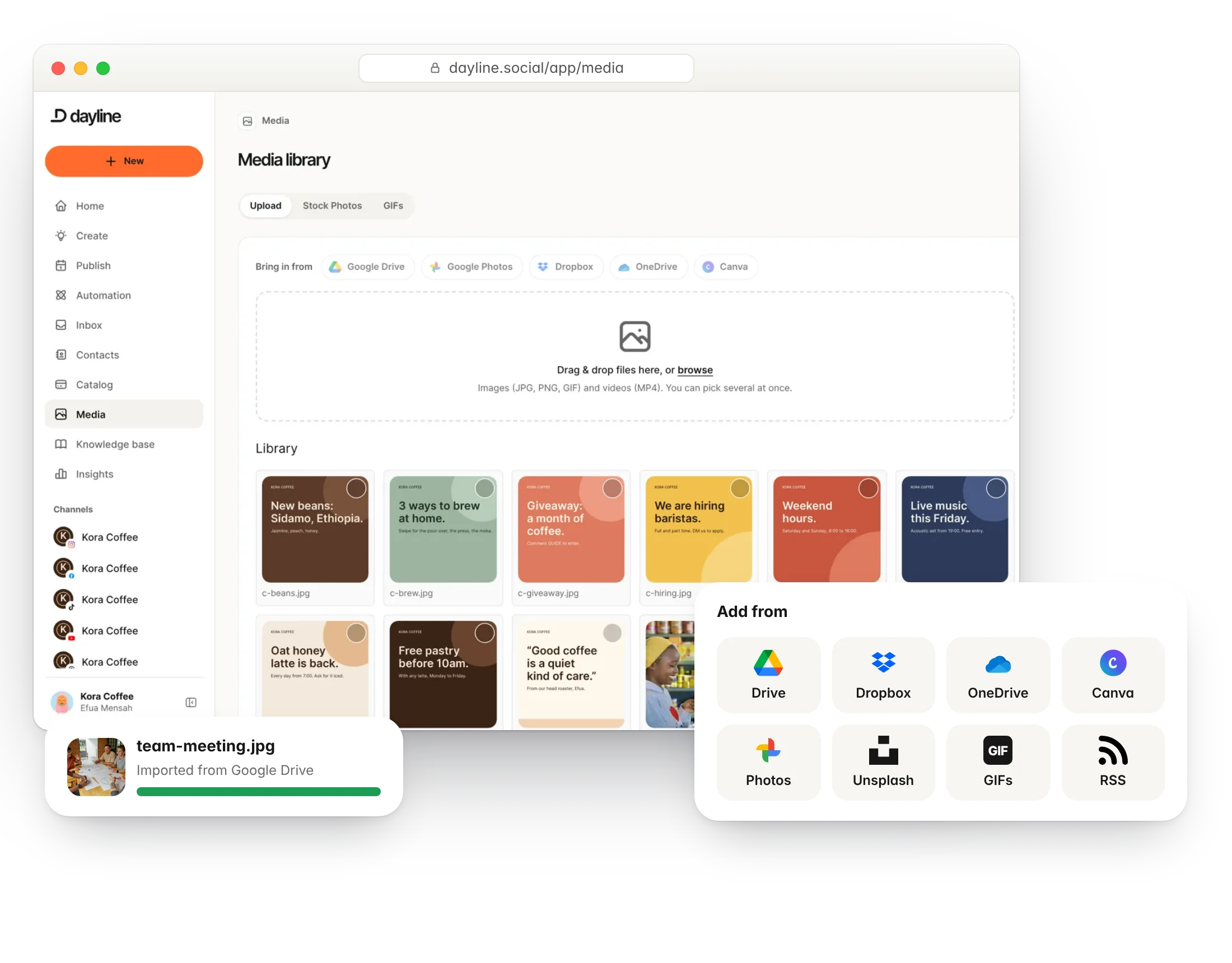
- Works from an upload or your media library, including files from Google Drive and Dropbox
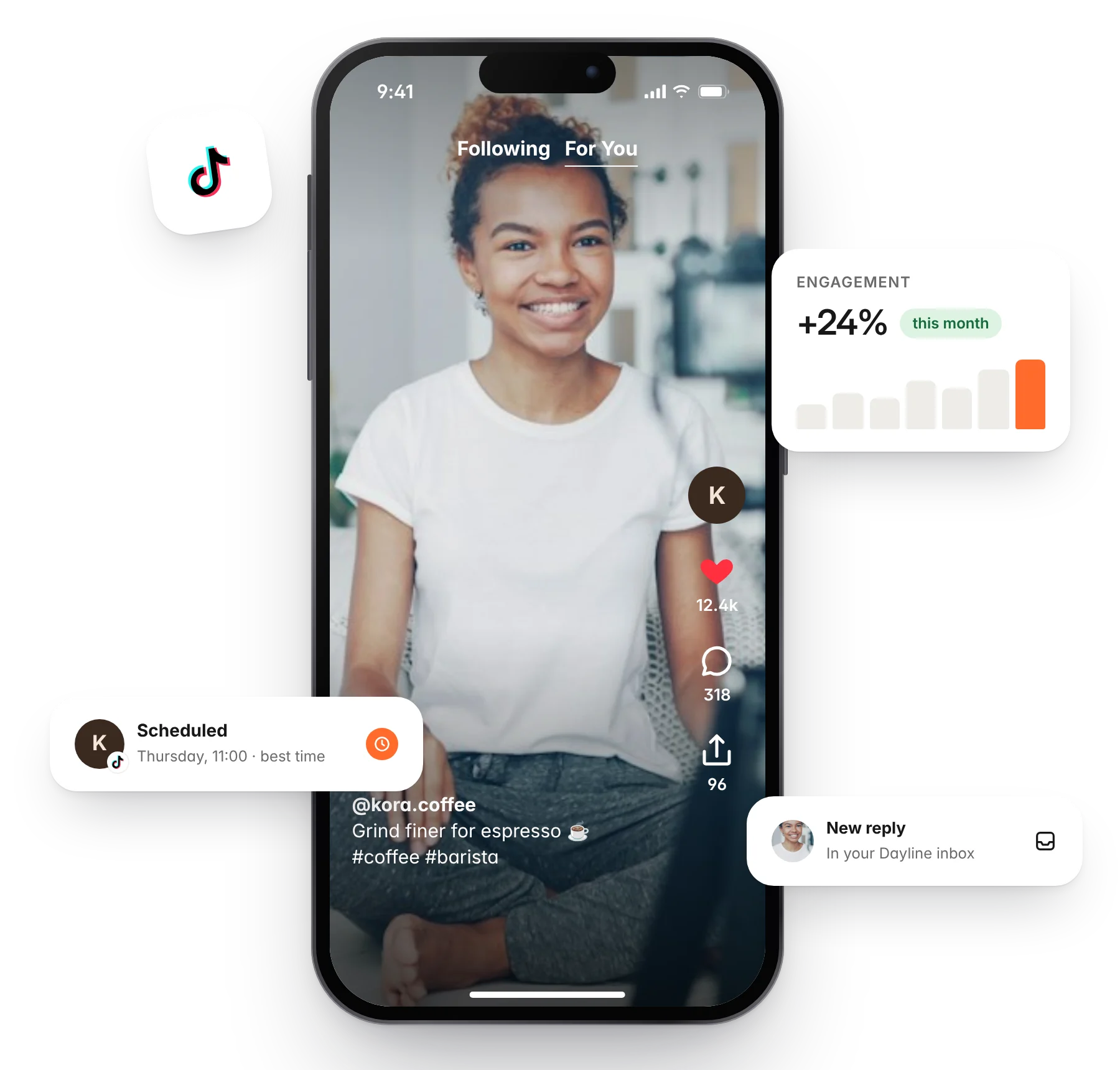
Captions and audiograms
Captions are burned in and easy to read with the sound off. Podcast episodes become audiograms that play in any feed.
- Burned-in captions with your own style rules
- Audiograms from audio files and podcast feeds
- Resize to 9:16, 1:1 or 16:9
- Thumbnails from any frame
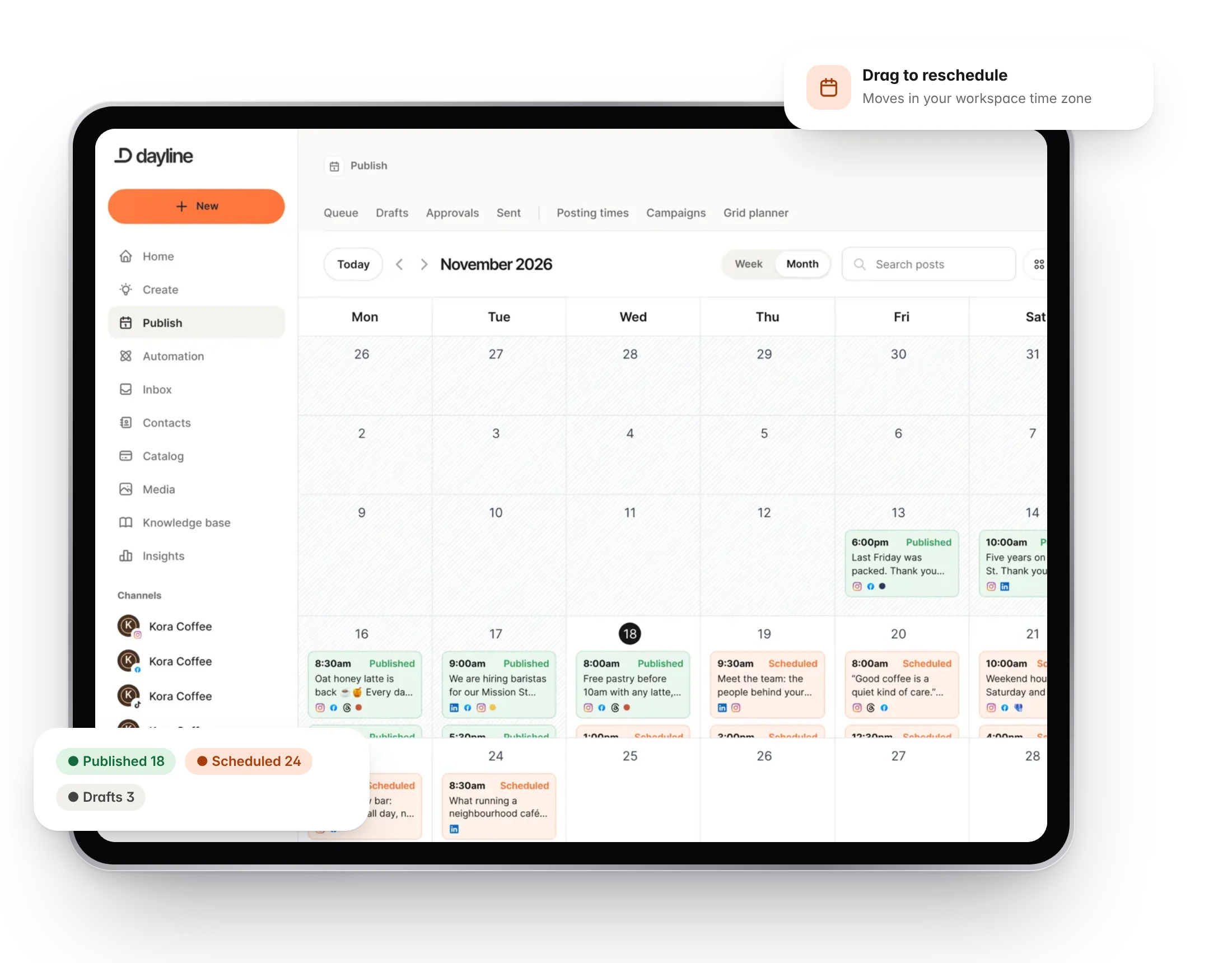
Straight to the calendar
Clips arrive as drafts, named and captioned, ready to schedule across the week. Workflows can run every time a new episode is published.
- Drafts in your calendar
- Repeating workflows for feeds
- Minutes and limits per plan
- Priority rendering on higher plans
Questions
Which sources can I repurpose from?
Videos you upload or keep in your media library (including files brought in from Google Drive, Dropbox or OneDrive), audio files and links, and podcast RSS feeds. YouTube links are not supported.
How long can a source video be?
It depends on your plan: video minutes run from 30 a month on Starter to 1,200 on Agency. The free plan does not include video rendering.
More of Dayline
Build your own library of content ideas.
PublishPlan and publish to every channel from one calendar.
EngageReply to comments and DMs, with automations that answer for you.
InsightsSee what works and when to post next.
CollaborateApprovals, notes and roles for your team and clients.
AI assistantDraft, reply and clip with AI that knows your business.
API and MCPConnect your own tools and AI agents.
Run your social day with confidence.
Plan the posts, answer the messages and reuse the videos, from one calm workspace.
Free plan forever. 7 days of Pro to start, no card needed.