Media source
Dayline and Google Photos
Bring photos and videos from Google Photos into your posts.
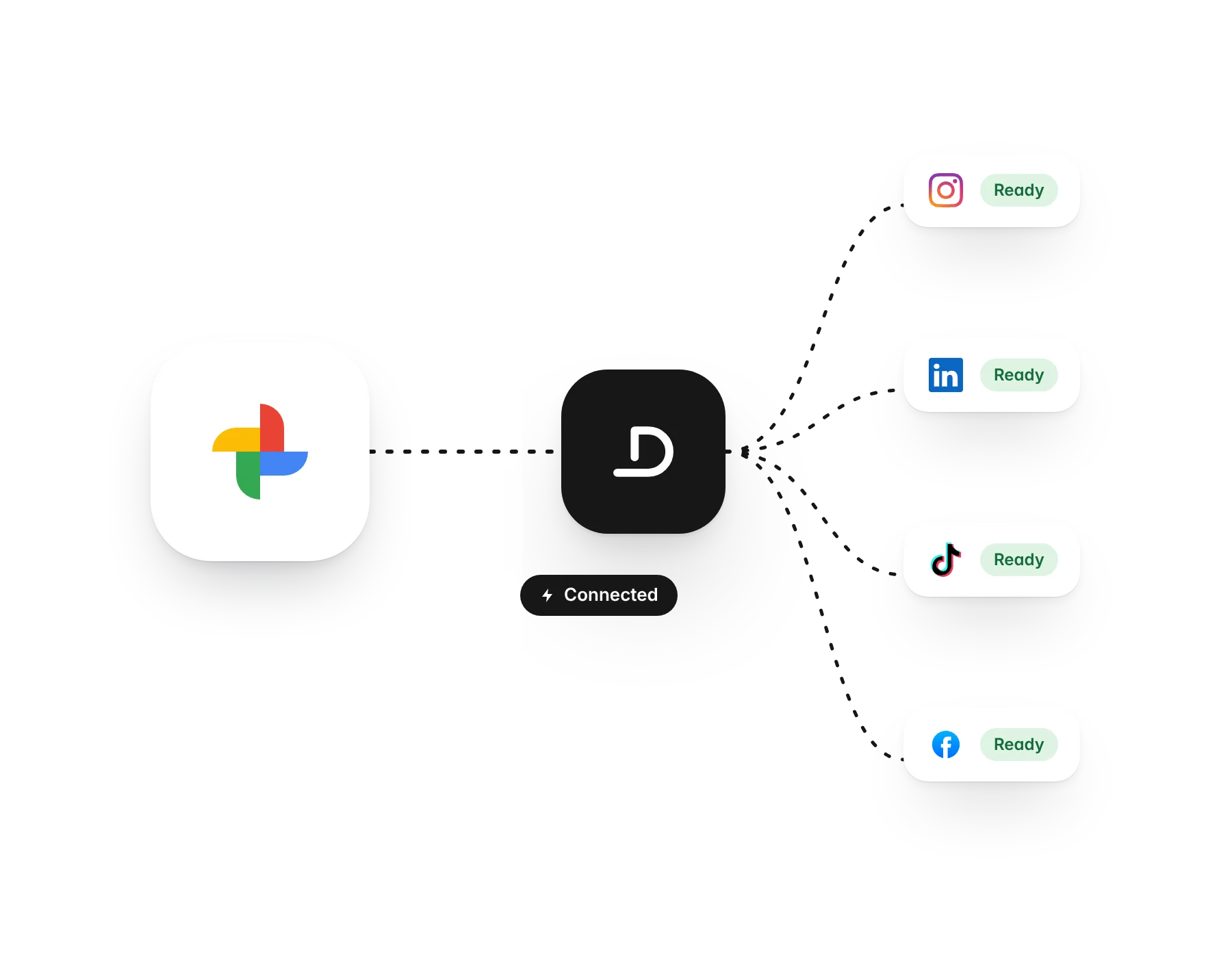
What you can do
- Photos and videos at full quality
- Only the items you pick
- Ready to schedule straight away
How it works
In the media library, choose Bring in from Google Photos. Google opens its own picker, you choose what to share, and Dayline copies those files into your library. It never sees the rest of your albums.
Start freeMore integrations
Plan and post from a conversation with Claude through the Dayline MCP server.
AI assistantChatGPTConnect ChatGPT to Dayline as a custom connector using the same MCP server.
MediaUnsplashFree, high-quality photos inside the composer and media library.
MediaTenorGIFs inside the composer.
Media source and backupGoogle DrivePick photos and videos from Google Drive, and back up every auto-repost to it.
Media sourceOneDriveAttach images and videos from OneDrive or SharePoint.
Design sourceCanvaBring your Canva designs into Dayline as images or video, ready to post.
Media source and backupDropboxPick files from Dropbox, and back up every auto-repost to it.
WorkflowInstagram and Facebook auto-repostPost once on Instagram or a Facebook Page and Dayline reposts it to your other channels.
Content sourceRSS feedsPull posts from any feed, and podcast episodes into audiograms.
DevelopersWebhooks and your own toolsSend Dayline events to any system that can receive an HTTP call.