Developers
Build on Dayline.
A REST API, webhooks and an MCP server. One key from your workspace unlocks all three.
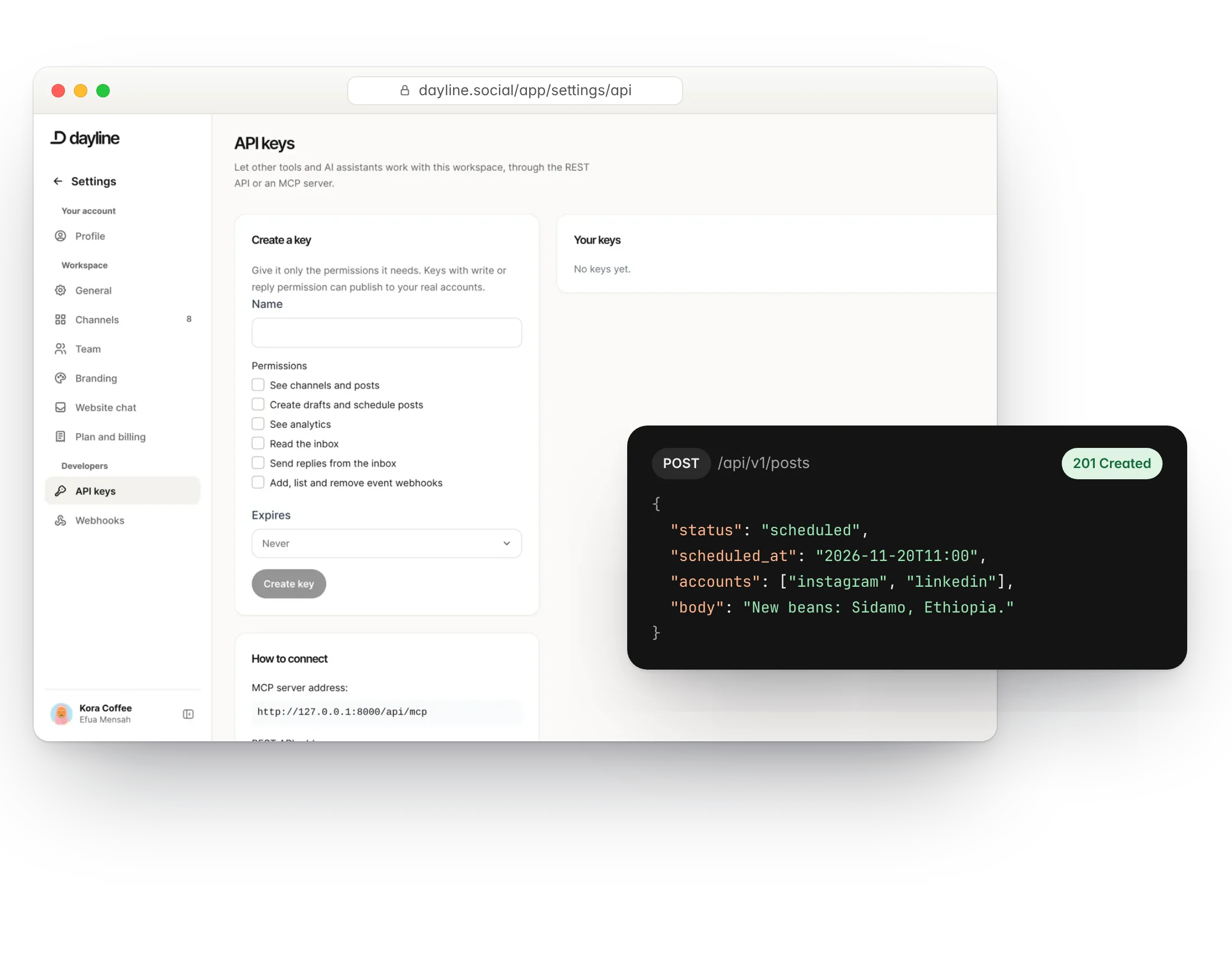
Authentication
Create a key under API keys in your workspace and send it as a bearer token. Keys belong to one workspace and can be revoked at any time.
curl https://dayline.social/api/v1/posts \
  -H "Authorization: Bearer YOUR_KEY" \
  -H "Accept: application/json"
REST API
Base address: https://dayline.social/api/v1. Resources: posts, media, accounts (channels), contacts and webhooks. Rate limits depend on your plan: 60, 120 or 600 requests a minute.
MCP server
Address: https://dayline.social/api/mcp. Add it to Claude Desktop or any MCP-compatible assistant with the same bearer key. The assistant can read your calendar and reports and create drafts in your queue. Nothing is published without a person approving it in Dayline.
Webhooks
Subscribe to events such as post.published, post.failed, inbox.item_received, contact.created and contact.message_received. Payloads are signed; deliveries are retried with backoff. Manage subscriptions in the workspace or through the API.
Good to know
- All times are UTC in the API; the app shows your workspace time zone.
- The developer API and MCP server are included in the Business and Agency plans.
- Questions: support@dayline.social.
Run your social day with confidence.
Plan the posts, answer the messages and reuse the videos, from one calm workspace.
Free plan forever. 7 days of Pro to start, no card needed.